説明
Allows you to automatically / dynamically add hierarchical categories ( with sub-categories ) to WordPress navigation menus using shortcode.
HTML and CSS knowledge may be required depending on the theme.
Visit my blog for support request and feedback.
Please comment 💬, rate ⭐ and share 👍
↪ X (Twitter)
↪ Tumblr
🪙 Scan via Binance App to send donation:
▄▄▄▄▄▄▄░░░▄░▄░░░▄░░░░▄░▄▄░▄▄▄▄▄▄▄
█░▄▄▄░█░▀░▀░▄█▄▀▄▀▄█▀░░▄░░█░▄▄▄░█
█░███░█░▀█▀░▀░░█▀░░░█▄█░▄░█░███░█
█▄▄▄▄▄█░█▀▄▀█▀▄░█▀█░█░█░▄░█▄▄▄▄▄█
▄▄▄▄▄░▄▄▄█▀█░░█▄▄░░▀░█▄▀░▄░▄░▄░▄░
▀▀▀▀▀░▄░█░█░▀▄░█░▄▀░█▀▄█▄█░███▀▄░
▄▀░█░█▄░░▄▄░█▄█▄▀▄█▀▄█▀▀▀▄█▄▄░██▀
█░▄░░░▄▀▄█░▄▄▄▄▄▀▄▀▀▄▀▄▄▄▄▀█▄█▀▄░
█▄░█▄█▄▀▀▄░█░░▄▄▀▄█▀░▄▄▀░░▀▄▄▄▀█▀
░▄██░█▄█░▀▄░▀▄░██▄█░█▀▄█▄█░▄█▄▀░▄
█▀░░▄░▄██▄█░█▀▀▄▄▄▄▀░░░▀░▄██░░░▄▀
█░░▄▀█▄▄▀▄░▄▄░░█▄▄▀░▄▀█▀█▄▀▀▄░▀██
█░█▀░█▄█▄▀▄█░░░▄▄░█▀▄▀░▀▄▄█▄▄█░▀▀
▄▄▄▄▄▄▄░█▀▄░▀█▄▄░▄▄░█▀░▄█░▄░█░▀▄░
█░▄▄▄░█░▄░▀░█▀▄▄▀░▄▀░████▄▄▄██░░█
█░███░█░█░█▄▄░░▀▄▄░▀▄▀▀░▄▄▄█░▀▀▀░
█▄▄▄▄▄█░█░░█░░▀▄░░▀▀▄▄▀██▀▄░▀▄██▀
スクリーンショット
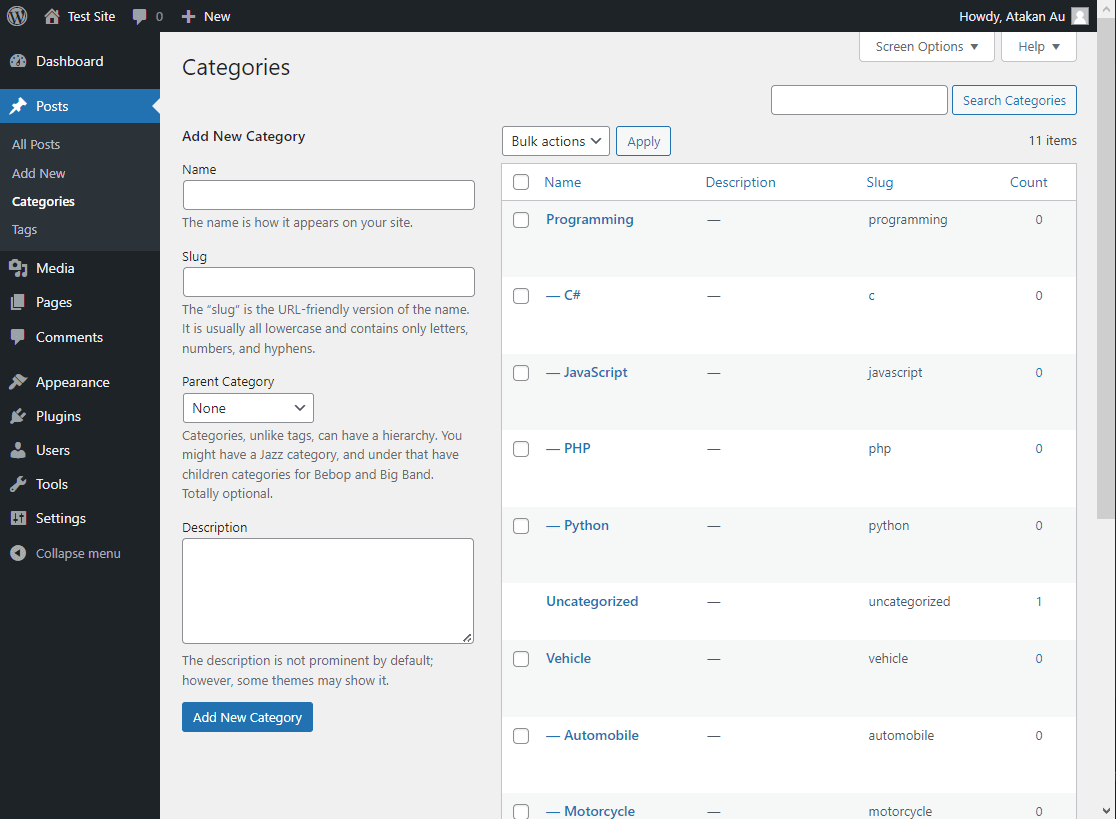
Define post categories 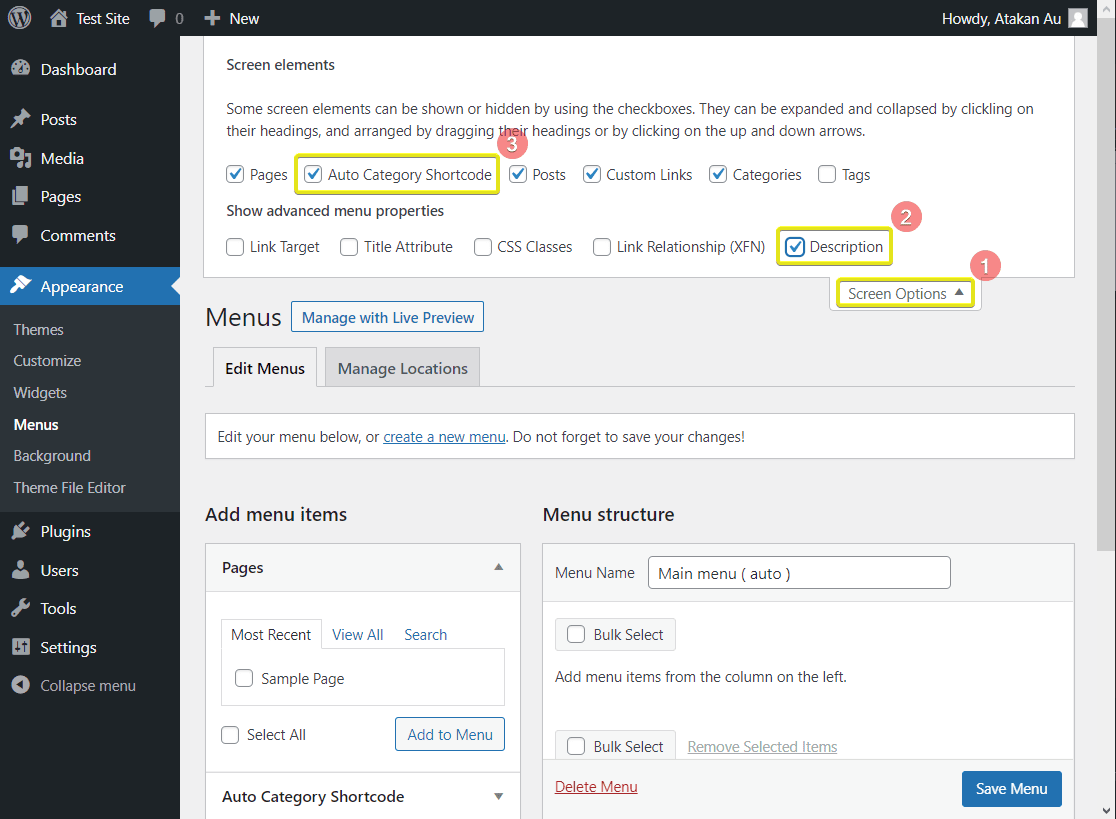
Open input area 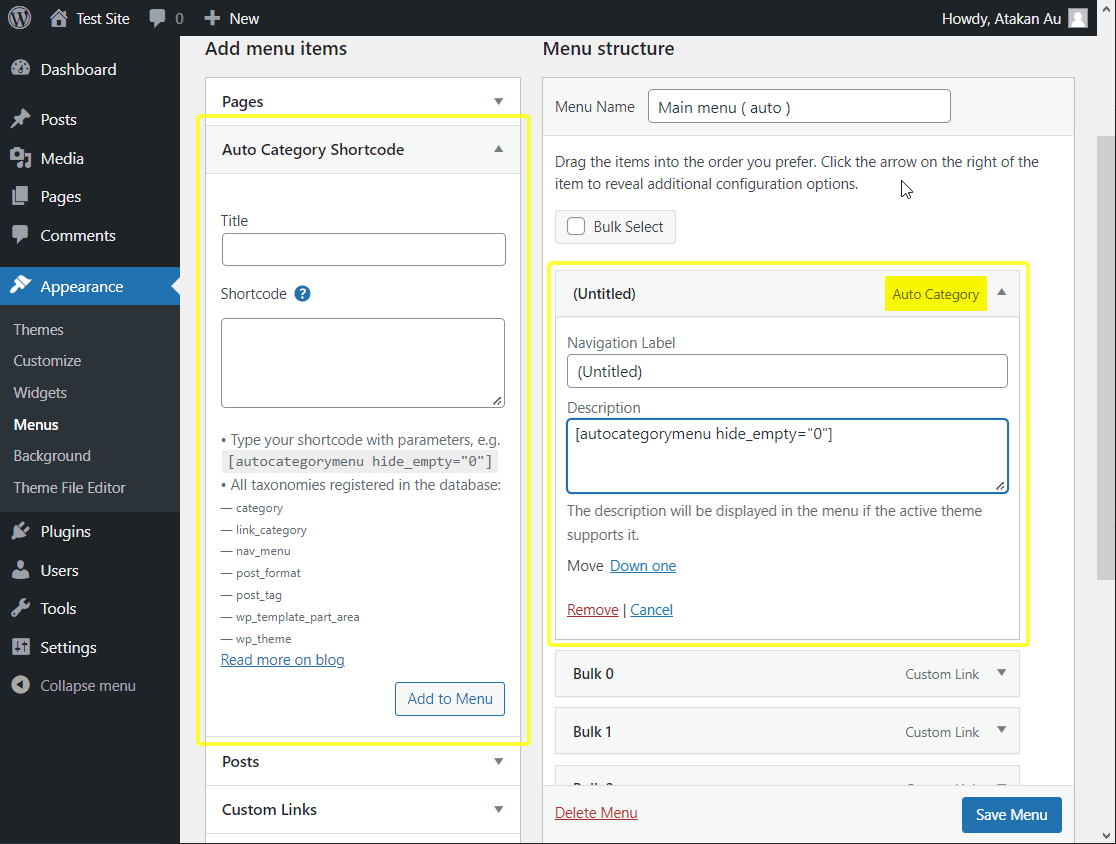
Add shortcode to menu 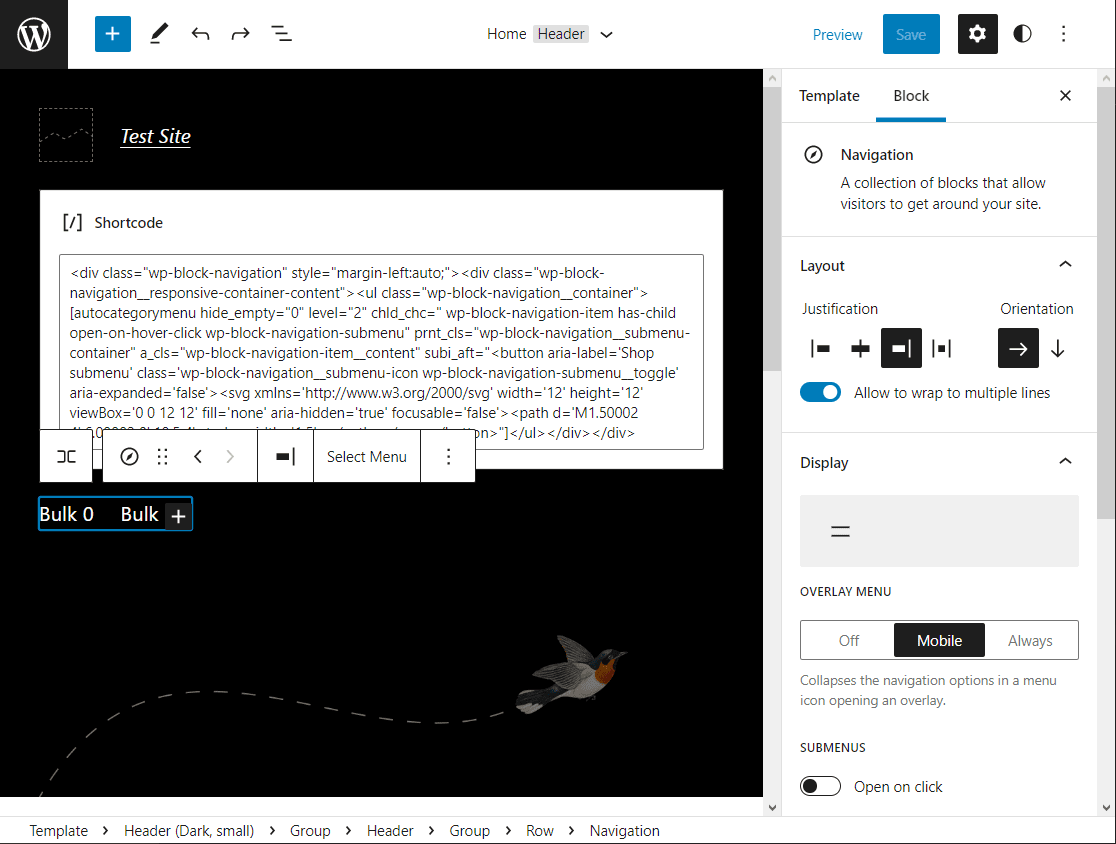
Add shortcode to menu on "Block Editor - Beta" 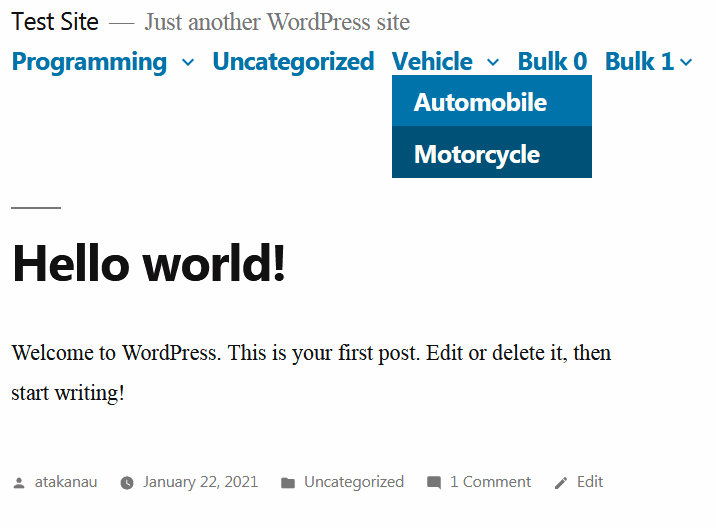
Twenty Nineteen 1.8 on WordPress 5.0.2 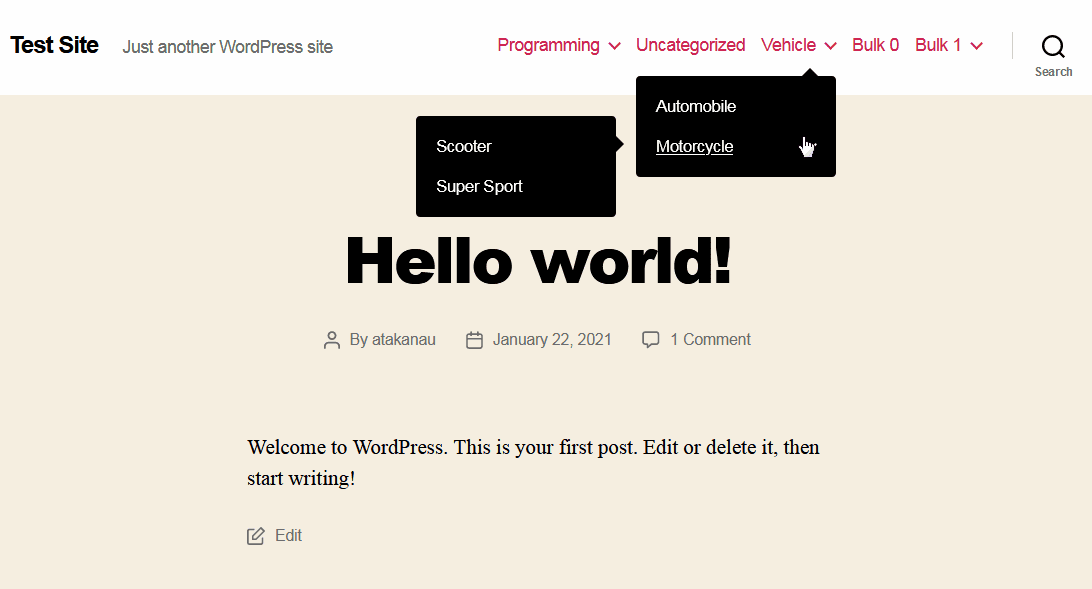
Twenty Twenty 1.6 on WordPress 5.0.2 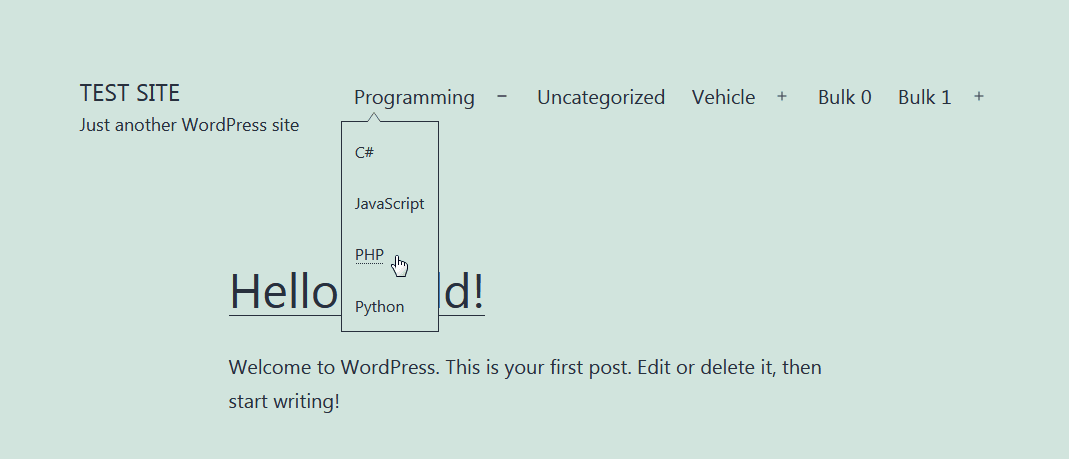
Twenty Twenty-One 1.1 on WordPress 5.6 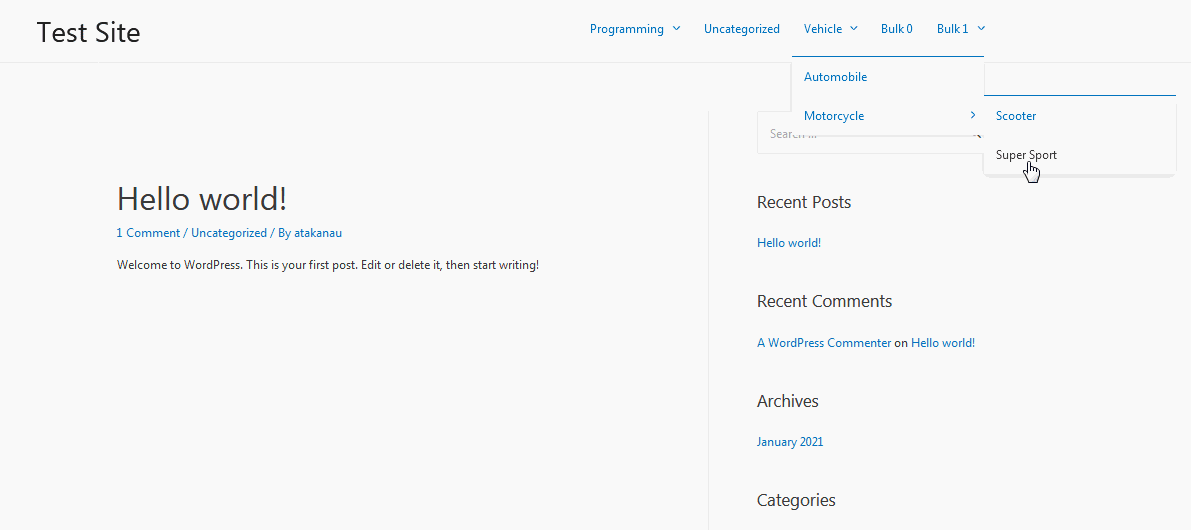
Astra 3.0.1 on WordPress 5.6 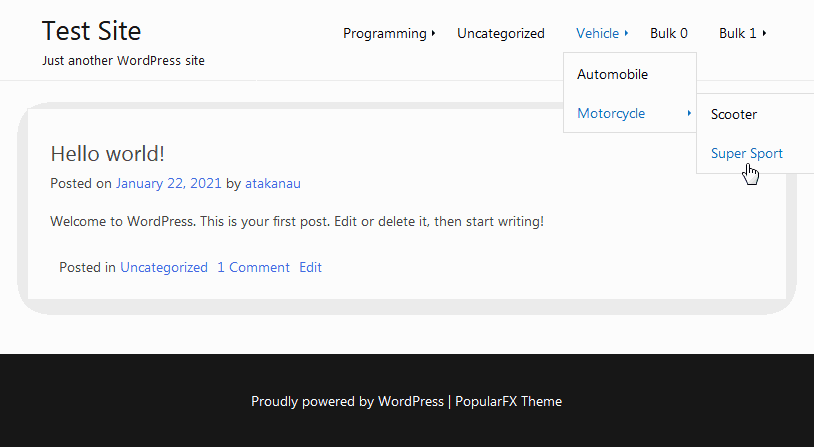
PopularFX 1.2.0 on WordPress 5.6 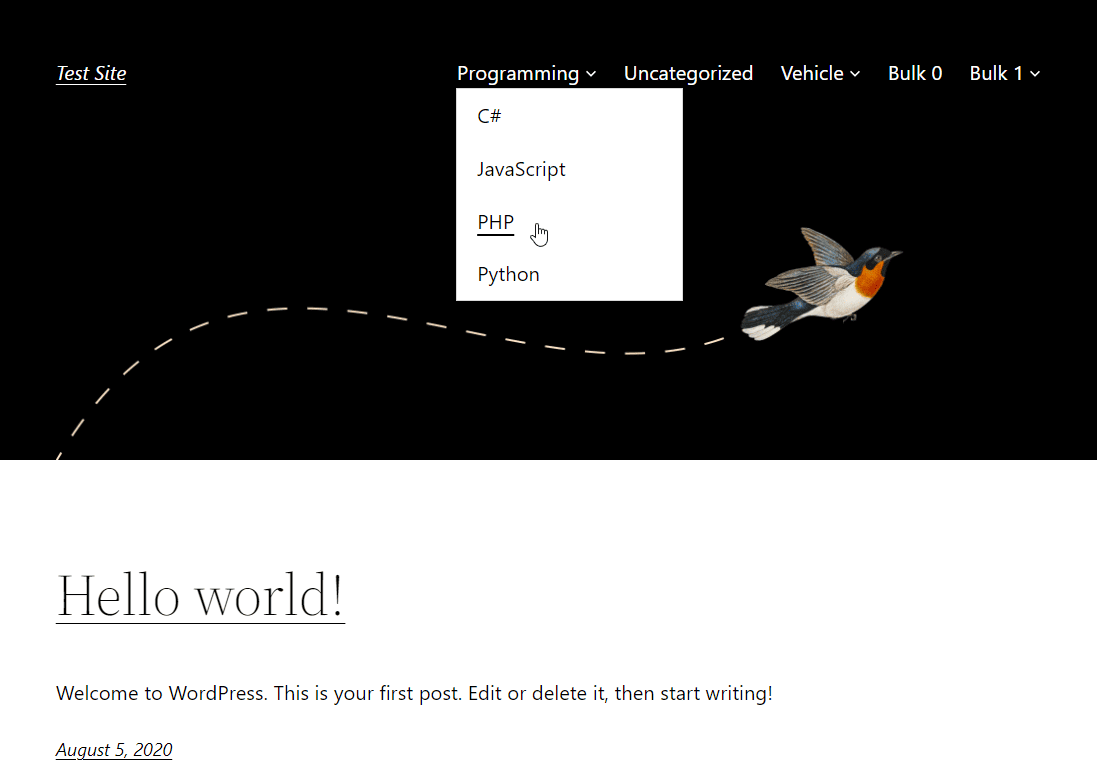
Twenty Twenty-Two 1.2 on WordPress 6.0.1 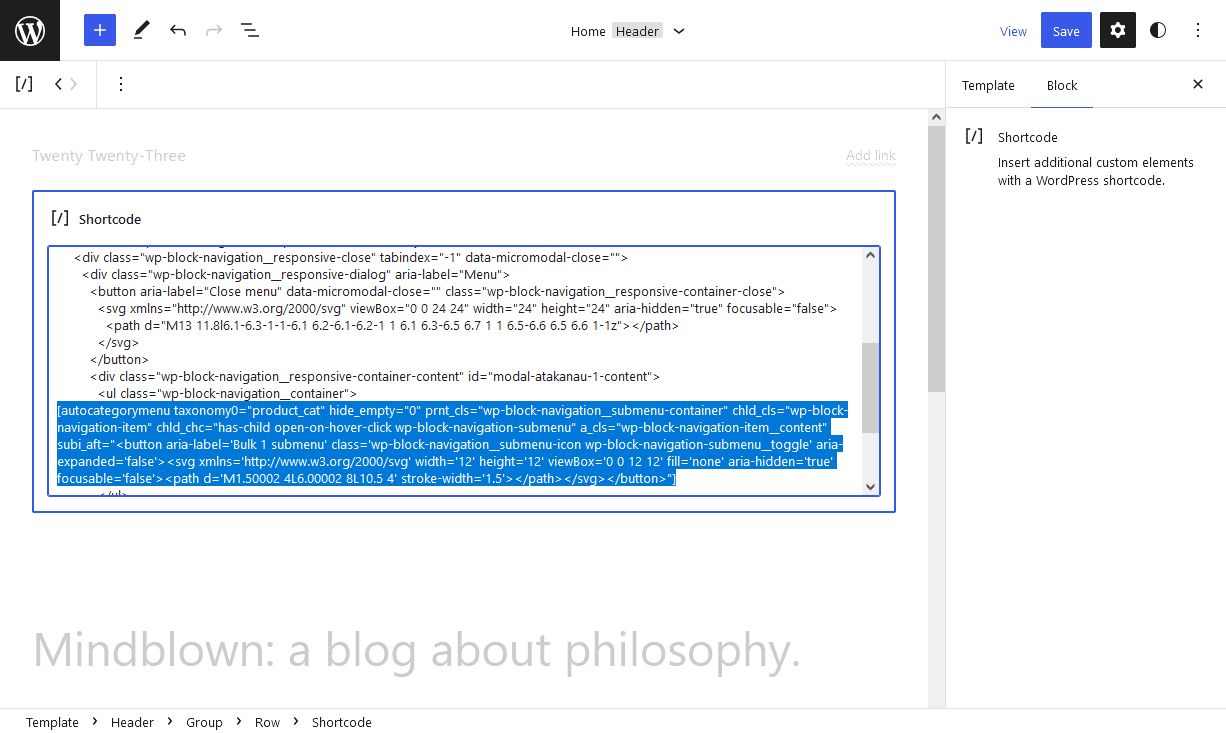
Twenty Twenty-Three 1.0 "Block Editor - Beta" 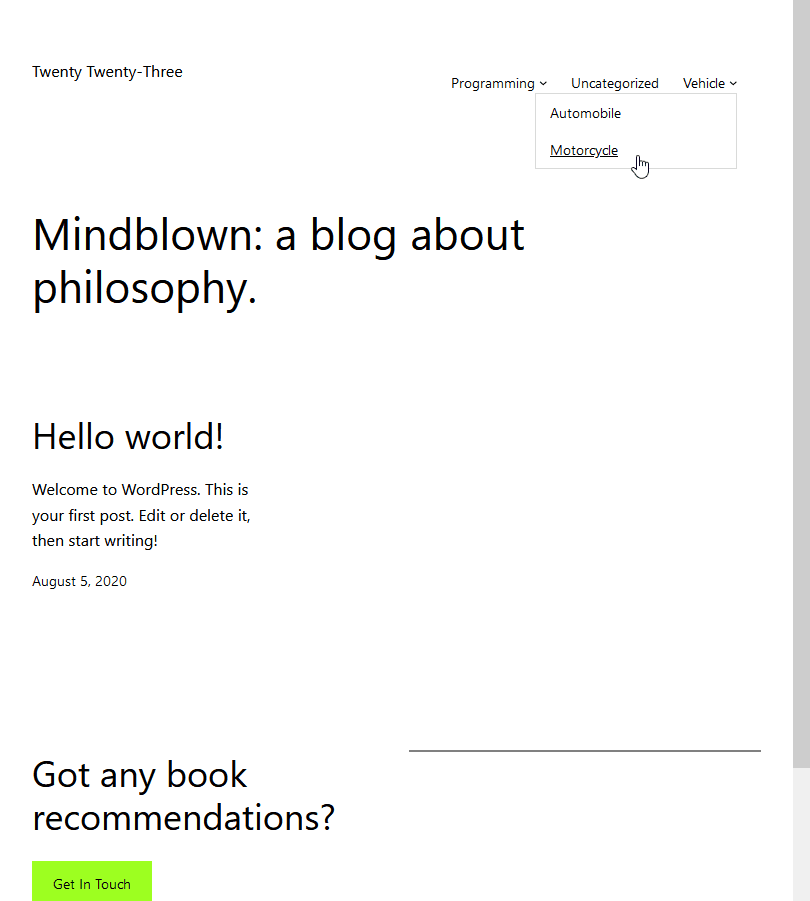
Twenty Twenty-Three 1.0 on WordPress 6.1.1 
Enwoo (EnvoThemes) on WordPress 6.1.1
インストール
- Add the plugin’s folder in the WordPress’ plugin directory, or install the plugin through the WordPress plugins screen directly..
- Activate the plugin through the ‘Plugins’ screen in WordPress.
Usage
- Go to Apperarance -> Menus
- Click ‘Screen Options’ on the top right
- Check and open ‘Auto Category Shortcode’ option
- Type your shortcode with parameters, e.g. [autocategorymenu hide_empty=”0″]
評価


貢献者と開発者


変更履歴
Version 2.0.5
- Simplified: Code comments
- Tested up to:
6.5
For the changelog of earlier versions, please refer to changelog section on blog.