

説明
Karasunouta Admin Menu Folder is a simple and lightweight plugin that aggregates multiple WordPress admin sidebar menu items into a clean, dedicated submenu folder.
As you install more plugins, your admin sidebar easily becomes cluttered with items you rarely touch. Karasunouta Admin Menu Folder lets you tuck away infrequently used menus into a single organized folder. This allows you to build a streamlined sidebar focused exclusively on your daily essential menus, while maintaining immediate access to all other tools whenever you need them.
Key Features
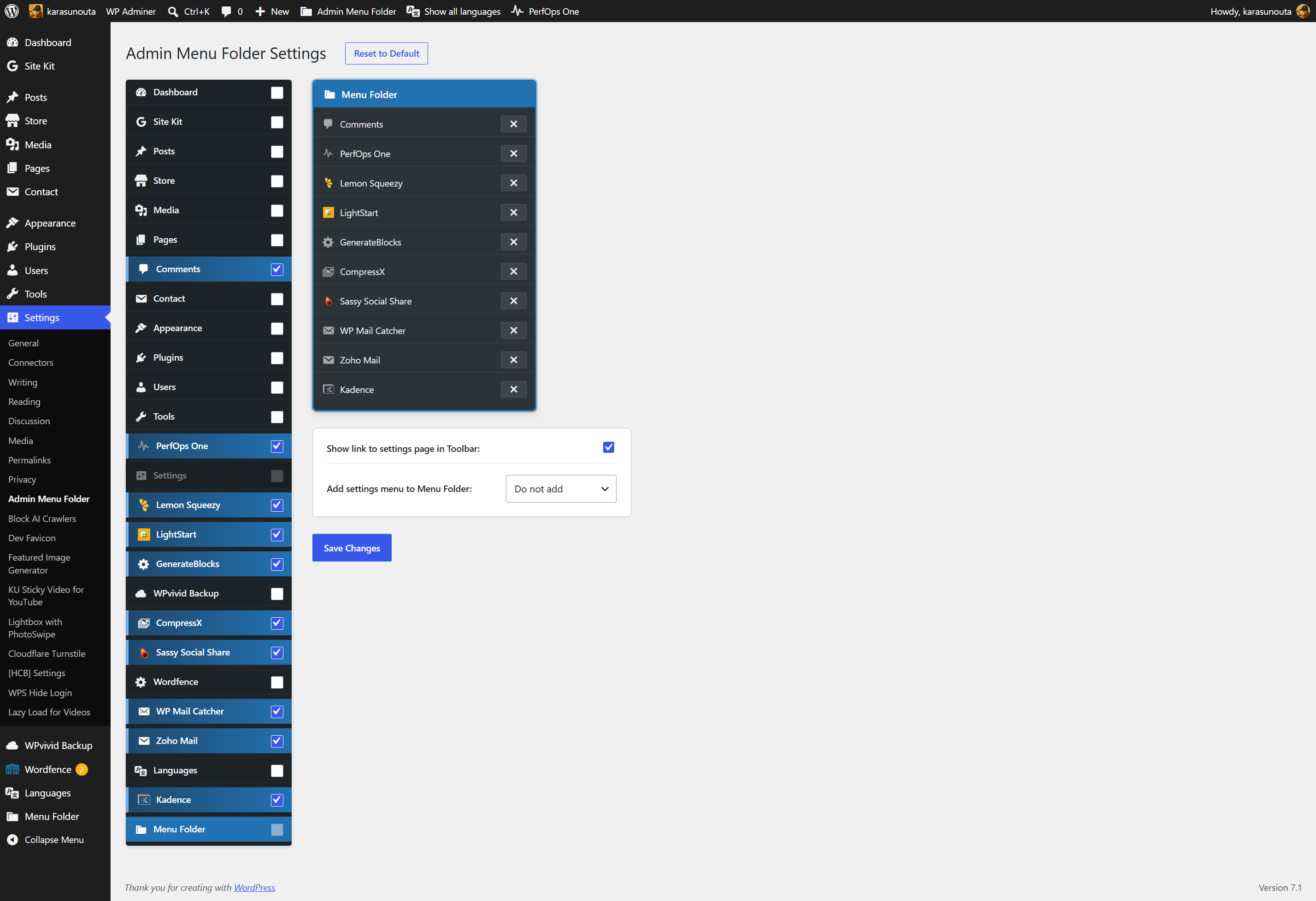
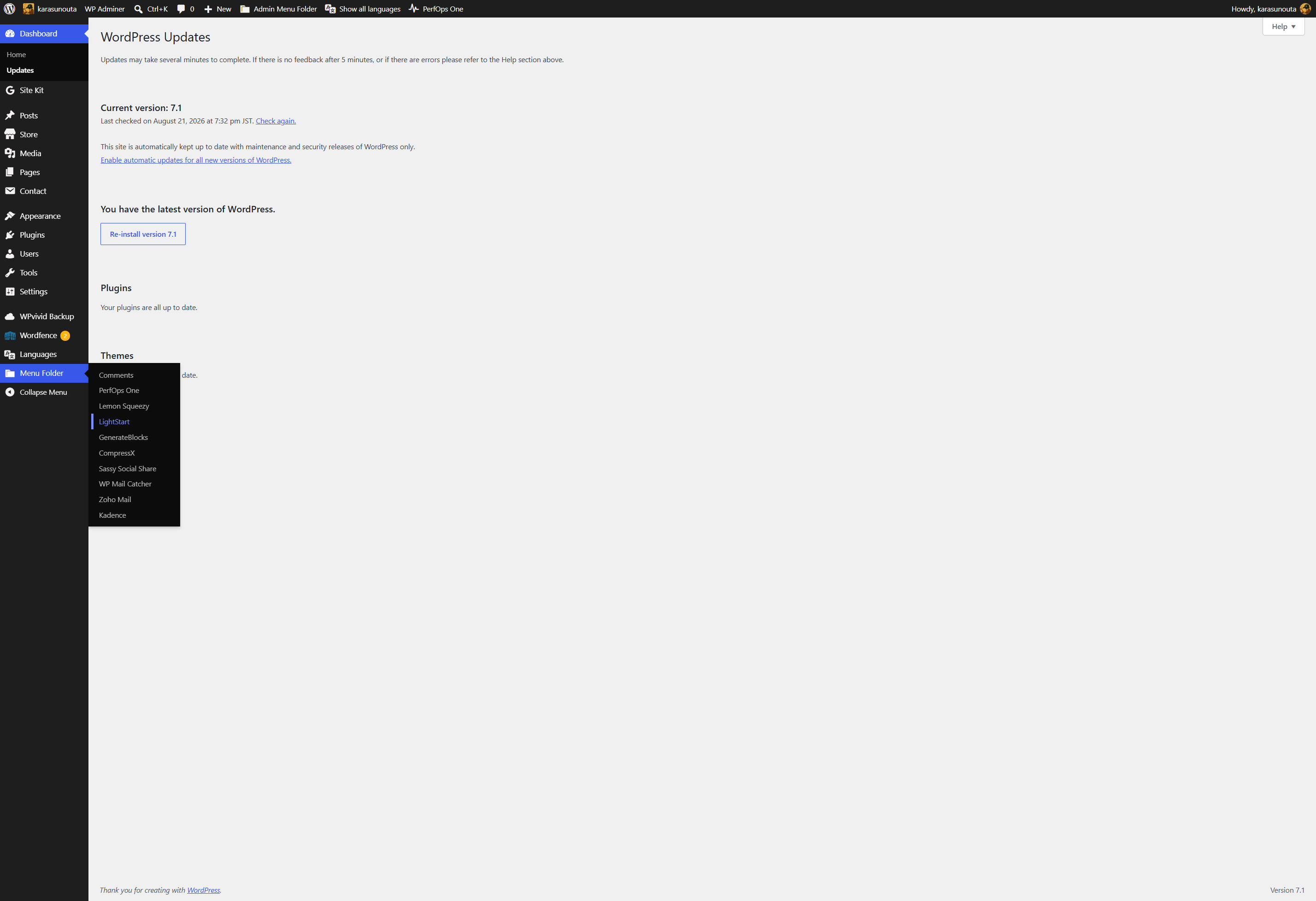
- Streamlined Sidebar: Keep your sidebar focused on daily high-frequency menus while preserving immediate access to secondary items inside the folder.
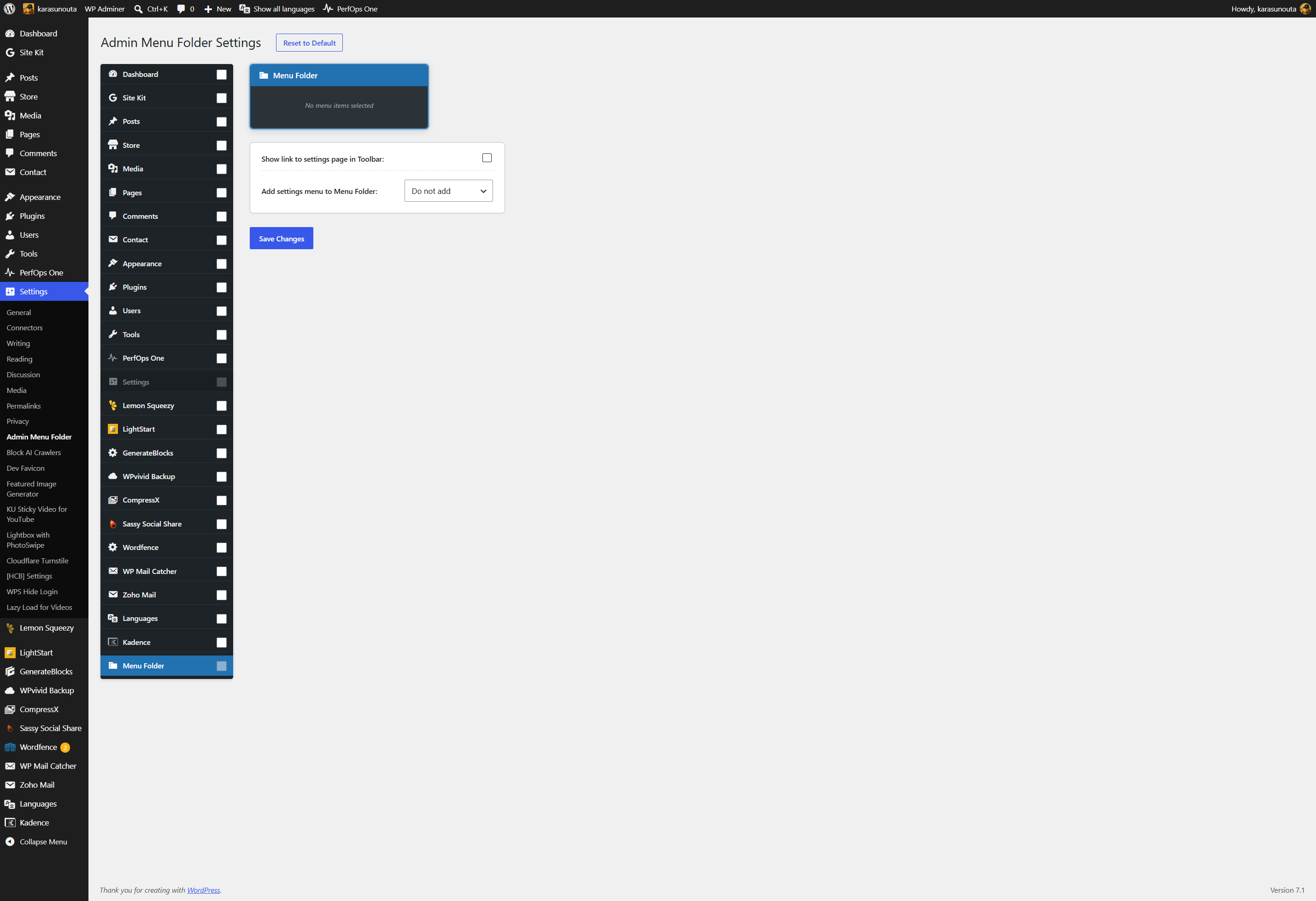
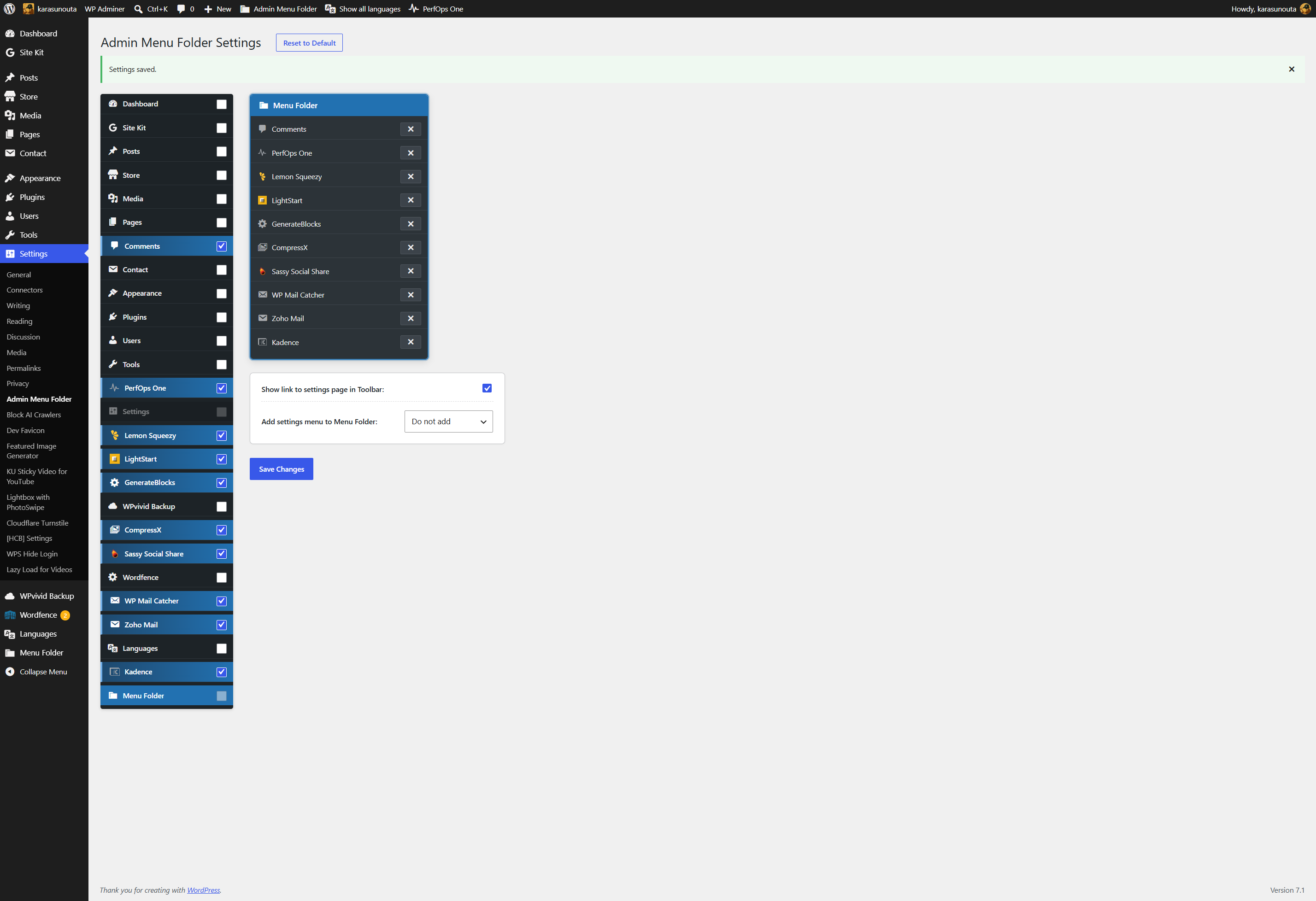
- Easy Toggle Interface: Drag-free intuitive checkbox interface for managing menu items in the settings page.
- Admin Bar Shortcut: Option to display a direct link to the settings page in the top admin bar.
- Submenu Settings Link: Option to place a settings link at the top or bottom of the submenu folder.
- Clean & Lightweight: Uses standard WordPress core hooks with no external bloat or performance impact.
Optional Pro Version
For larger websites or advanced administration workflows, Karasunouta Admin Menu Folder Pro is also available with additional capabilities:
- Multiple Folders: Create and organize multiple dedicated folders (e.g., Tools, Marketing, Settings).
- Custom Folder Icons & Titles: Assign distinct icons and custom names to each folder.
- Flexible Reordering: Freely customize the display order of folders in the sidebar and rearrange menu items inside each folder.
Source Code & Development
The source code for this plugin is available on GitHub:
https://github.com/karasunouta/karasunouta-admin-menu-folder
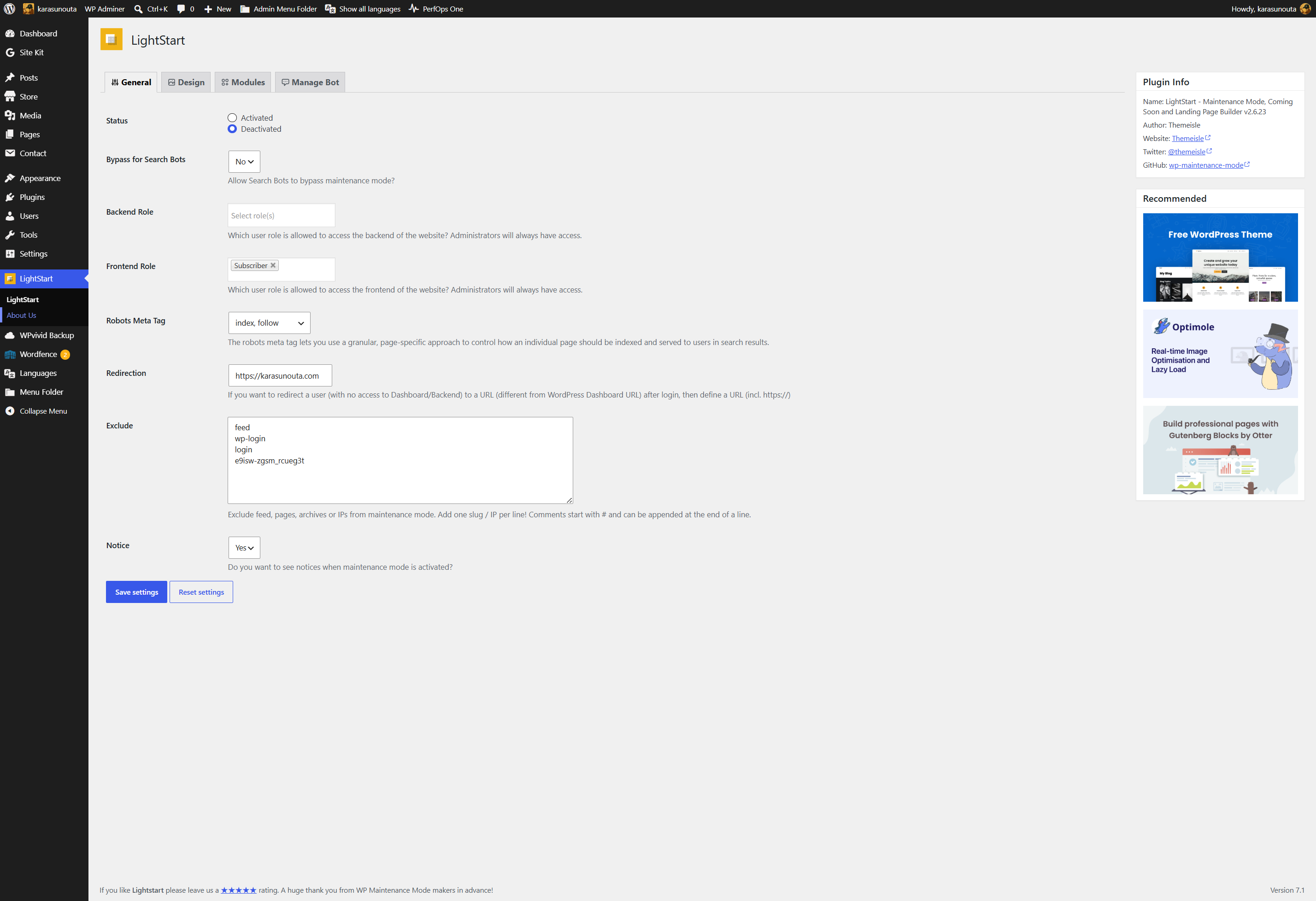
スクリーンショット
インストール
- Upload the
karasunouta-admin-menu-folderdirectory to the/wp-content/plugins/directory, or install the plugin directly through the WordPress plugins screen. - Activate the plugin through the ‘Plugins’ menu in WordPress.
- Go to ‘Settings’ > ‘Admin Menu Folder’ to manage and organize your sidebar menu items.
FAQ
-
Up to 99 items. Items are listed inside the folder in the same order as they appear in the original admin sidebar, so the folder stays predictable no matter how many plugins you add.
-
What happens if I remove every item from the folder?
-
The folder disappears from the admin sidebar entirely. Nothing is left behind, and every menu item returns to its original position. Add an item again and the folder comes back.
-
No. Karasunouta Admin Menu Folder only changes the location where menu links are rendered in the admin sidebar. User capabilities and plugin page URLs remain unchanged.
-
The ‘Settings’ (options-general.php) root menu is intentionally protected as a core system menu and cannot be moved into a folder. Because ‘Settings’ serves as the primary hub for essential WordPress configuration screens (General, Reading, Permalinks, etc.) as well as this plugin’s own settings page, keeping it always directly accessible in the main sidebar ensures seamless administration and prevents navigation conflicts.
-
Click on the menu item inside the folder (e.g., Submenu Folder > Target Menu). This opens the parent page and expands its submenu structure in the sidebar, allowing you to access all of its child items.
Why this design? WordPress admin menus natively support only up to 2 levels of hierarchy. Forcibly hacking or overriding core menu scripts to create deep nested dropdowns risks breaking layout compatibility and causing conflicts with other plugins or future WordPress updates. Our clean, core-compliant approach provides a safe, reliable, and practical 3-tier menu experience without stability risks.
評価
このプラグインにはレビューがありません。
貢献者と開発者

変更履歴
1.5.1.1
- Docs: Update tags and verified compatibility with WordPress 7.1.
1.5.1
- Fix: Ensure settings saved notification renders cleanly in-place without visual layout shifts.
- Enhance: Automatically sort menu items in the folder by their original WordPress menu positions, and add the
kamf_folder_itemsfilter hook for custom ordering.
1.5.0
- Enhance: Escape every generated value at the point it is printed, and remove all static analysis suppressions so the whole codebase is checked.
- Enhance: Submit settings as structured form fields instead of a JSON blob, fixing a case where menu titles containing “<” could truncate the saved data.
- Enhance: Prevent the Settings root menu from being selected, since it was never movable into the folder.
- Enhance: Load admin assets only on the plugin settings screen.
- Refactor: Simplify the stored option structure and expose the folder title, icon, node list and protected slugs through documented filters.
1.4.0
- Refactor: Rename plugin to Karasunouta Admin Menu Folder with official slug and prefix kamf per WordPress.org guidelines.
1.3.0
- Enhance: Introduce wp.hooks extension architecture for modular frontend integration.
- Enhance: Improve folder slug and title synchronization with registered admin menu nodes.
- Refactor: Align codebase and internal naming with WordPress.org coding standards.
1.2.1
- Fix: Ensure consistent admin menu item ordering across different environments with or without custom_menu_order filters.
1.2.0
- Refine user interface and asset loading scripts.
- Update i18n compatibility and default translation files.
1.1.0
- Introduce @wordpress/scripts asset minification and build pipeline.
1.0.0
- Initial commit.