

説明
CookieFort is a consent management platform (CMP). This plugin connects your WordPress site to CookieFort by fetching your property configuration and injecting the appropriate tracking snippets.
How it works:
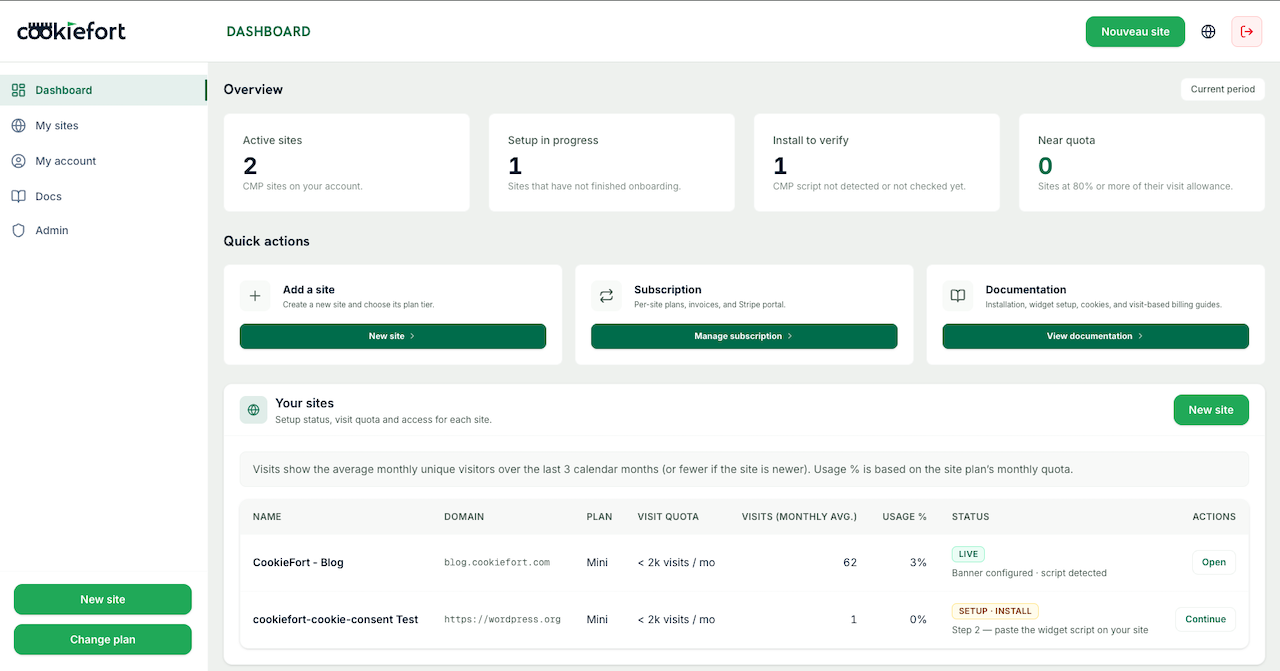
- Subscribe to a CookieFort plan at cookiefort.com
- Configure your banner and tracking mode (GTM or GA4) in the CookieFort dashboard
- Copy your Property ID from the dashboard
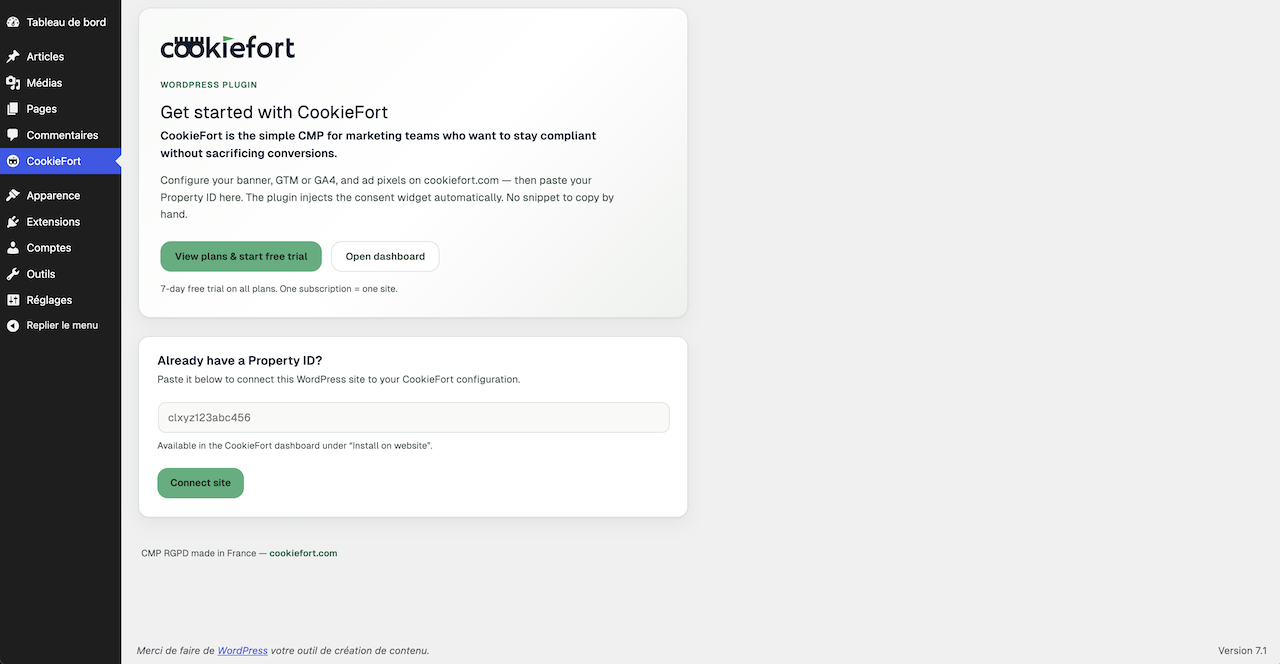
- Paste it in the CookieFort admin menu and save
The plugin automatically injects the CookieFort widget and, when configured for GA4, the Google tag (gtag.js) snippet.
Languages
The plugin is translation-ready (text domain: cookiefort-consent-manager). Translations are provided via translate.wordpress.org.
External services
This plugin connects to the following third-party services when a Property ID is saved and the widget is enabled:
CookieFort
- URL: https://cookiefort.com
- Purpose: Fetches property configuration via HTTPS (
/api/v1/config/{id}) and loads the consent widget script (/api/v1/widget.js) - Account required: Yes — an active CookieFort subscription and Property ID
- Terms of Use: https://cookiefort.com/terms
- Privacy Policy: https://cookiefort.com/privacy
Google Tag Manager / Google tag
- URL: https://www.googletagmanager.com
- Purpose: Loads
gtag.jsonly when the CookieFort property is configured in GA4 mode with a valid Measurement ID (G-…). Consent-gated configuration is handled by the CookieFort widget. - Account required: Configured via your CookieFort dashboard (Google Analytics measurement ID)
- Terms of Service: https://policies.google.com/terms
- Privacy Policy: https://policies.google.com/privacy
No remote calls are made until an administrator saves a Property ID.
Privacy
This plugin connects to cookiefort.com to fetch your property configuration and load the consent widget script. When GA4 mode is active, it may also load scripts from googletagmanager.com. Your Property ID is stored in the WordPress database. No data is sent to external services until you save a Property ID.
スクリーンショット
インストール
- Upload the
cookiefort-consent-managerfolder to/wp-content/plugins/ - Activate the plugin through the ‘Plugins’ menu in WordPress
- Go to CookieFort in the WordPress admin menu
- Enter your Property ID and click Save Changes
FAQ
-
Yes. This plugin requires an active CookieFort subscription.
-
No. Banner texts, styles, and cookie categories are loaded by the CookieFort widget at runtime. The plugin only stores your Property ID and cached tracking metadata locally.
評価
このプラグインにはレビューがありません。
貢献者と開発者

“CookieFort Consent Manager” をあなたの言語に翻訳しましょう。
開発に興味がありますか ?
変更履歴
1.0.0
- Initial release