

説明
The BossSocial plugin allows you to link of the most popular social networking sites. The plugin comes with a custom widget allowing you to place social icons in any widget location or sidebar or place them in posts and pages with the BossSocial shortcode.
スクリーンショット
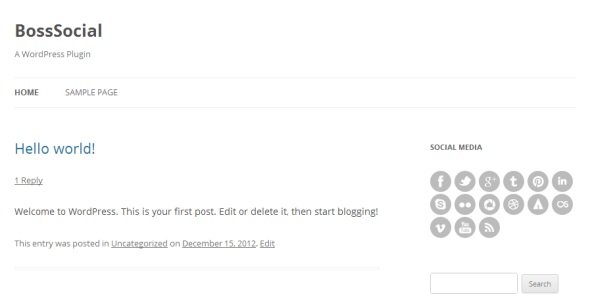
screenshot-1.jpg
インストール
- Upload the /boss-social/ folder to the /wp-content/plugins/ directory.
- Activate the BossSocial plugin through the “Plugins” menu in WordPress.
- Configure your settings in the new “BossSocial” menu which appears.
- Display your icons using the custom widget or shortcode.
FAQ
- To use BossSocial in your posts and pages you can use the shortcode:
-
[boss_social_icon type=”” url=””]
- You can use “type” parameter to select social icon eg:
-
[boss_social_icon type=”facebook” url=””]
評価
このプラグインにはレビューがありません。
貢献者と開発者


変更履歴
1.0
- Initial release.