
説明
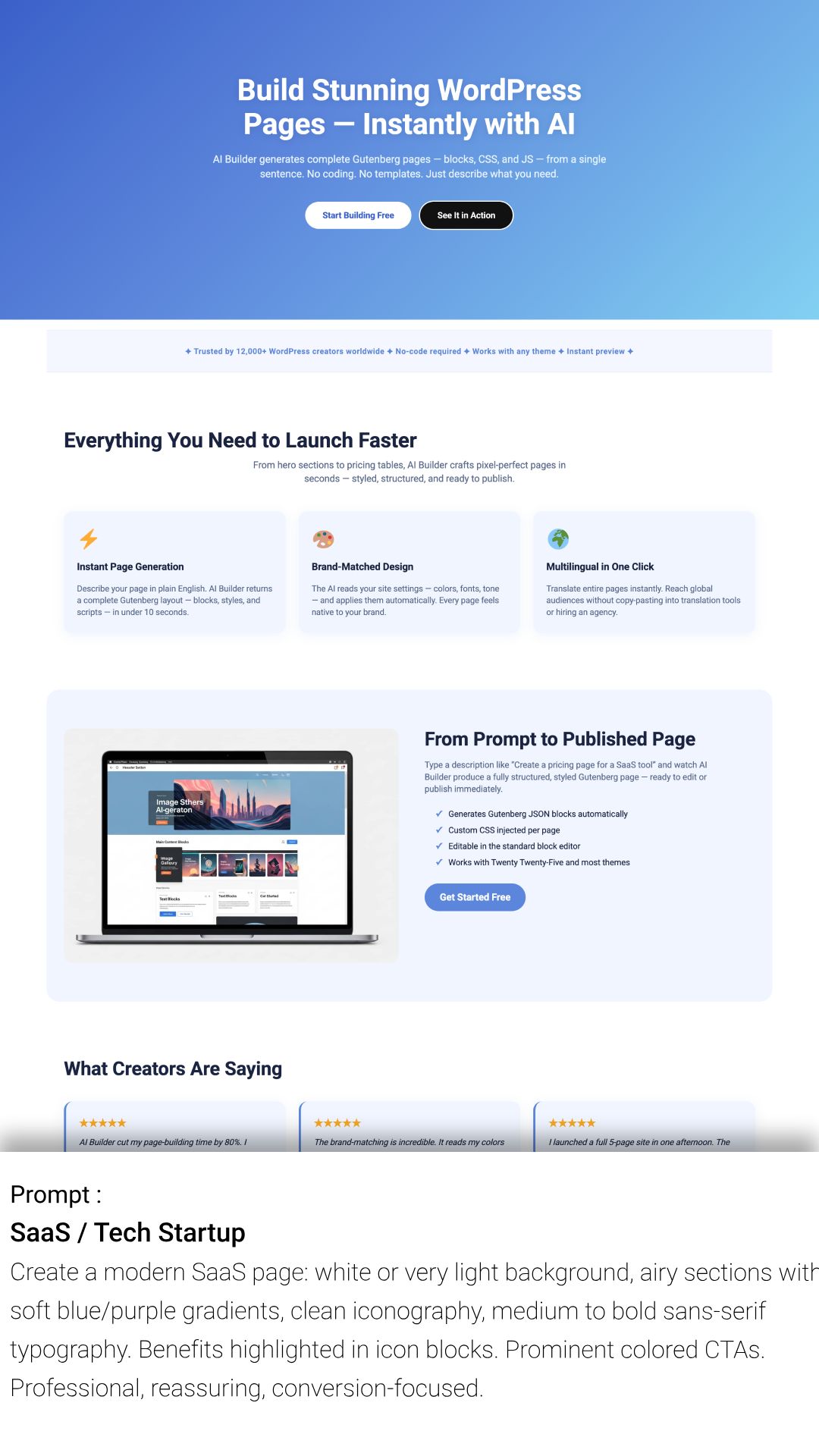
Transform your WordPress workflow with the ultimate AI Copilot. AI Builder is not just another template shuffler. It is a native AI Page Builder that generates 100% custom Gutenberg pages, blocks, and content tailored to your specific prompts.
高いコンバージョン率のランディング固定ページが必要な場合でも、複雑な「機能」セクションが必要な場合でも、画像付きの完全なブログ投稿が必要な場合でも、AI Builder はエディター内で数秒でそれらを作成します。
🚀 Start for FREE: Get 150 credits immediately upon signup (No credit card required).
🔍 Why Choose AI Builder?
Most AI tools force you to use their proprietary builders. AI Builder works natively with Gutenberg. This means zero bloat, perfect performance, and you own the code forever.
What you can achieve in minutes:
- ⚡ Instant Page Building: Generate complete Homepages, About Us, or Pricing pages from a simple description.
- 🪄 Modify Existing Blocks with AI: Select any block in the editor and refine it using natural language (layout tweaks, new elements, copy improvements, styling changes) without rebuilding the whole section.
- 🎨 Custom Design & CSS: The AI doesn’t just insert text; it styles your blocks with custom CSS to match your brand identity.
- 🧩 Smart Block Creation: Need a specific “Pros & Cons” table or a “Team Member” slider? Just ask, and the AI builds the block structure for you.
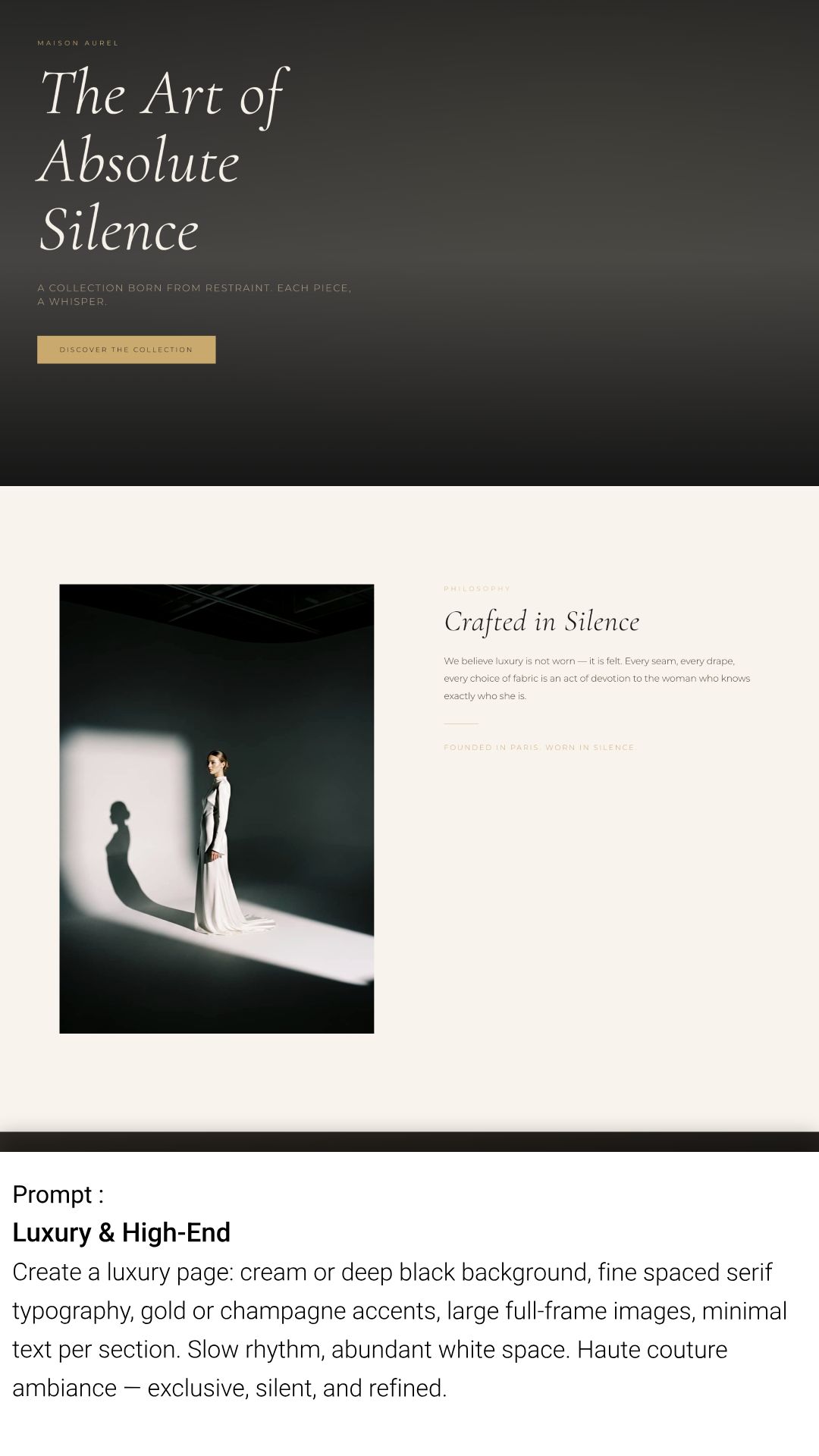
- 🎭 Pre‑Configured Design Prompts: Choose from curated visual styles (design prompts) to quickly generate pages with a consistent, high-quality look and feel.
- ✍️ Context-Aware Copywriting: Write SEO-optimized headings, paragraphs, and CTAs that actually sound like your brand.
- 🖼️ Integrated AI Images: Generate royalty-free, unique images directly inside your image blocks. No more searching for stock photos.
- 📱 Performance First: All generated images are automatically compressed for the web.
- 🌍 Go Global Instantly: Translate entire pages, headers, and footers in one click. The AI handles the content translation and automatically links pages together with a built-in language switcher.
「数日ではなく数時間でサイトを構築したいフリーランサー、代理店、サイト所有者に最適です。」
主な機能
- 🧠 AI Page Generator – 1つの短い文章から、ヘッダー、コンテンツ、フッターまで揃った完全なランディングページを自動生成。
- 📦 Gutenberg ネイティブ – 軽量で、完全に編集可能な標準のブロックを作成します。
- 🎨 Smart Styling System – Generates custom CSS for every element based on your prompt.
- 🪄 AI Block Modifier – Select an existing block and ask AI to improve, extend, or restyle it while keeping your page intact.
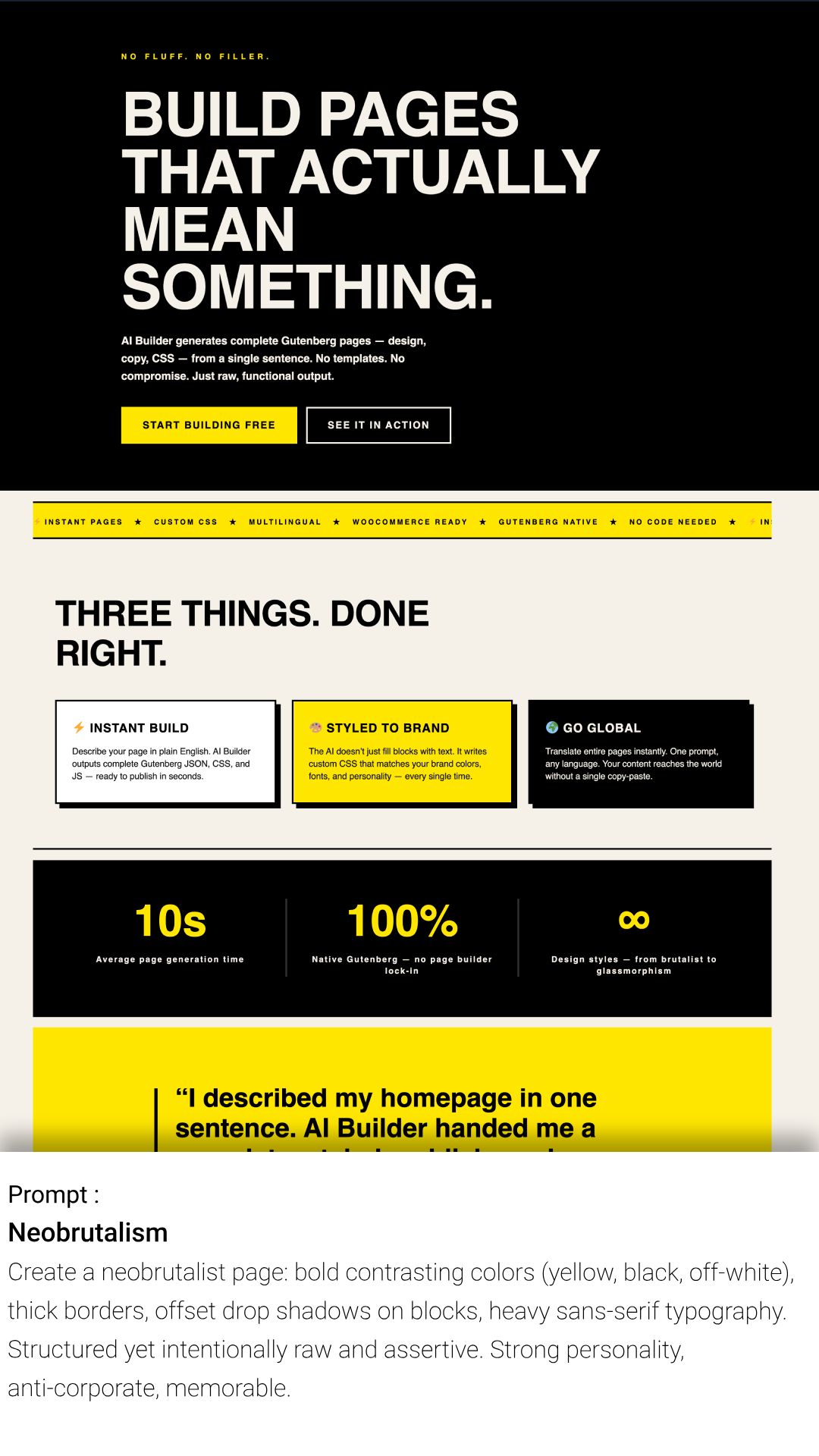
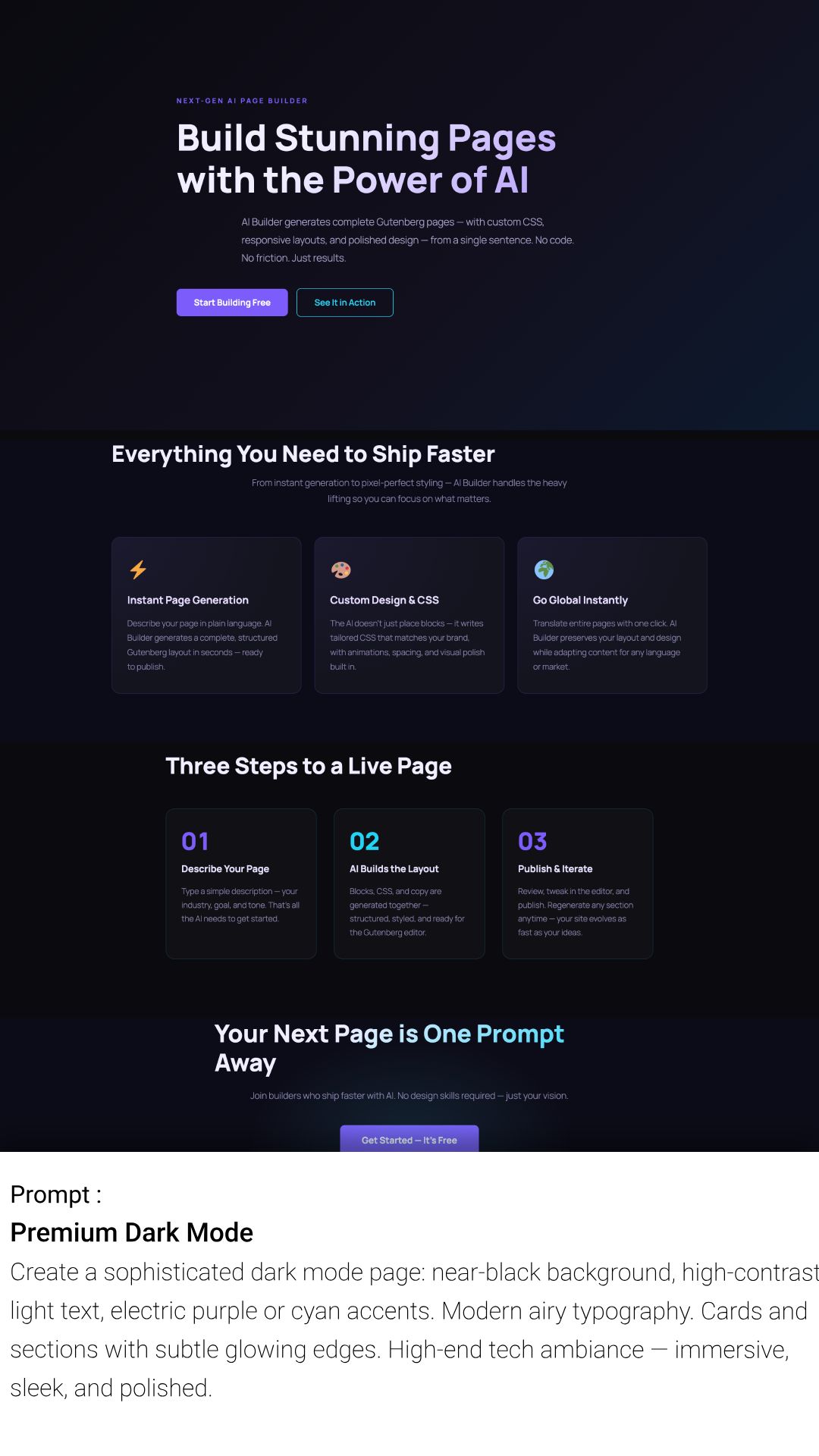
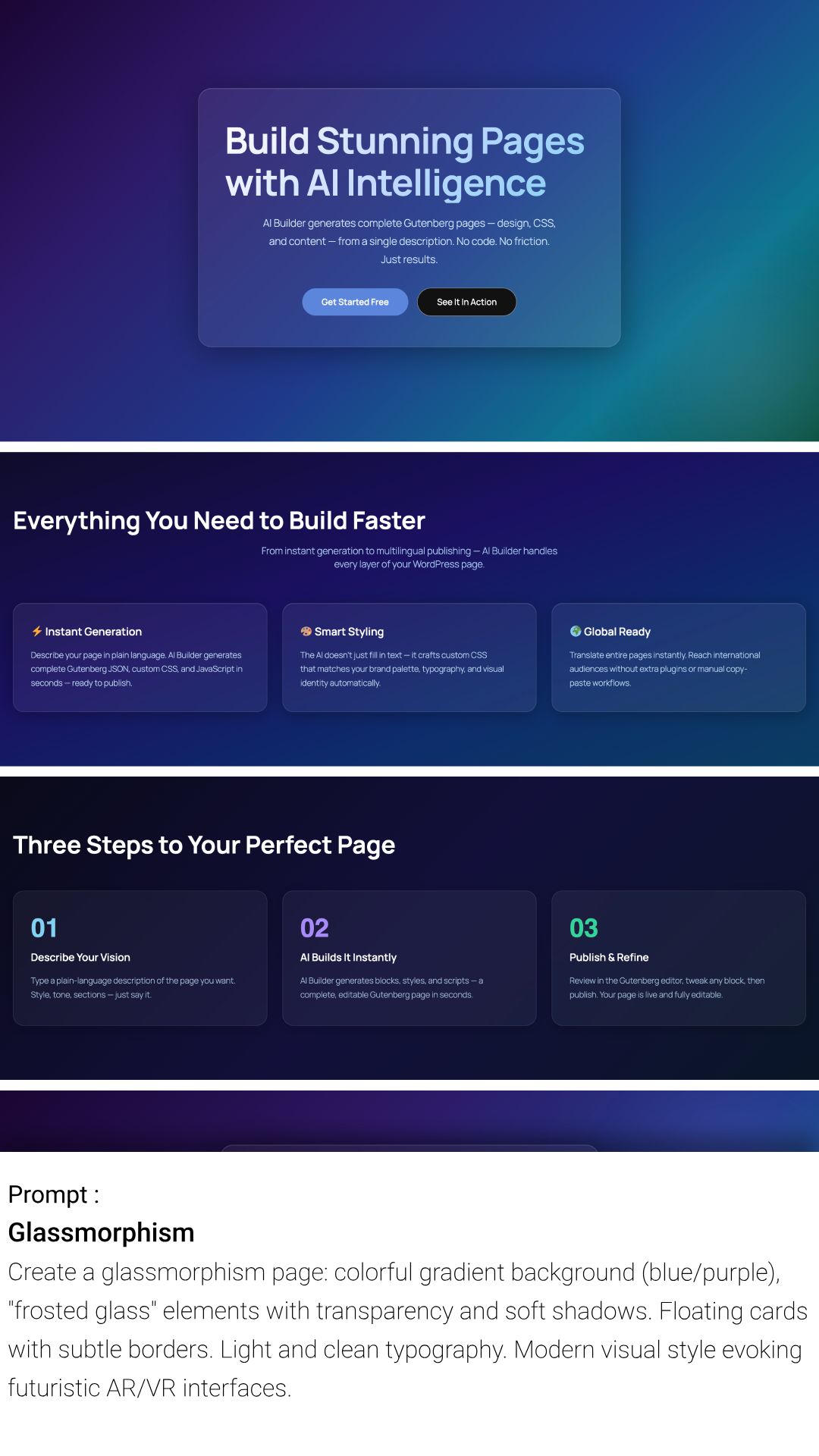
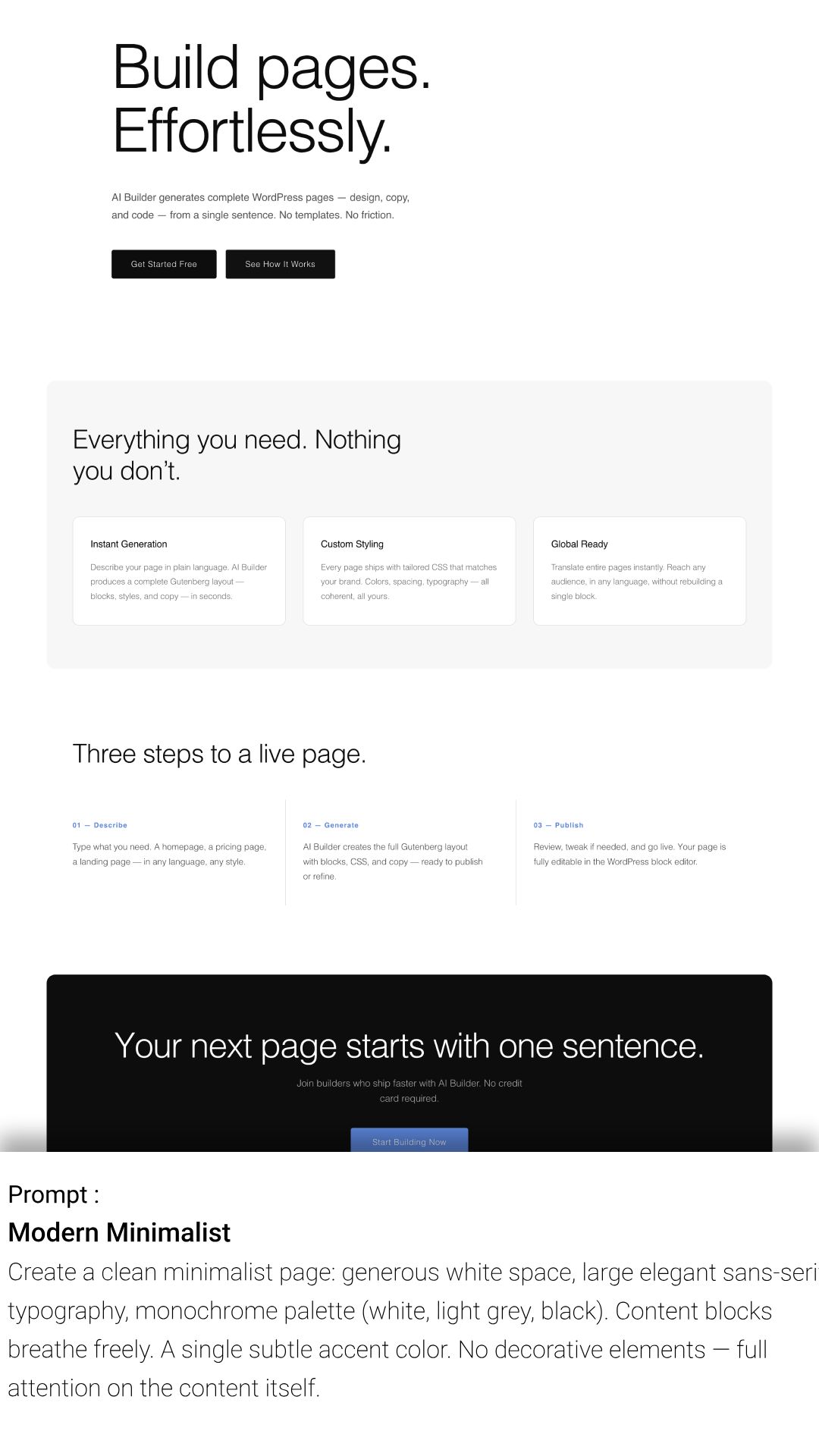
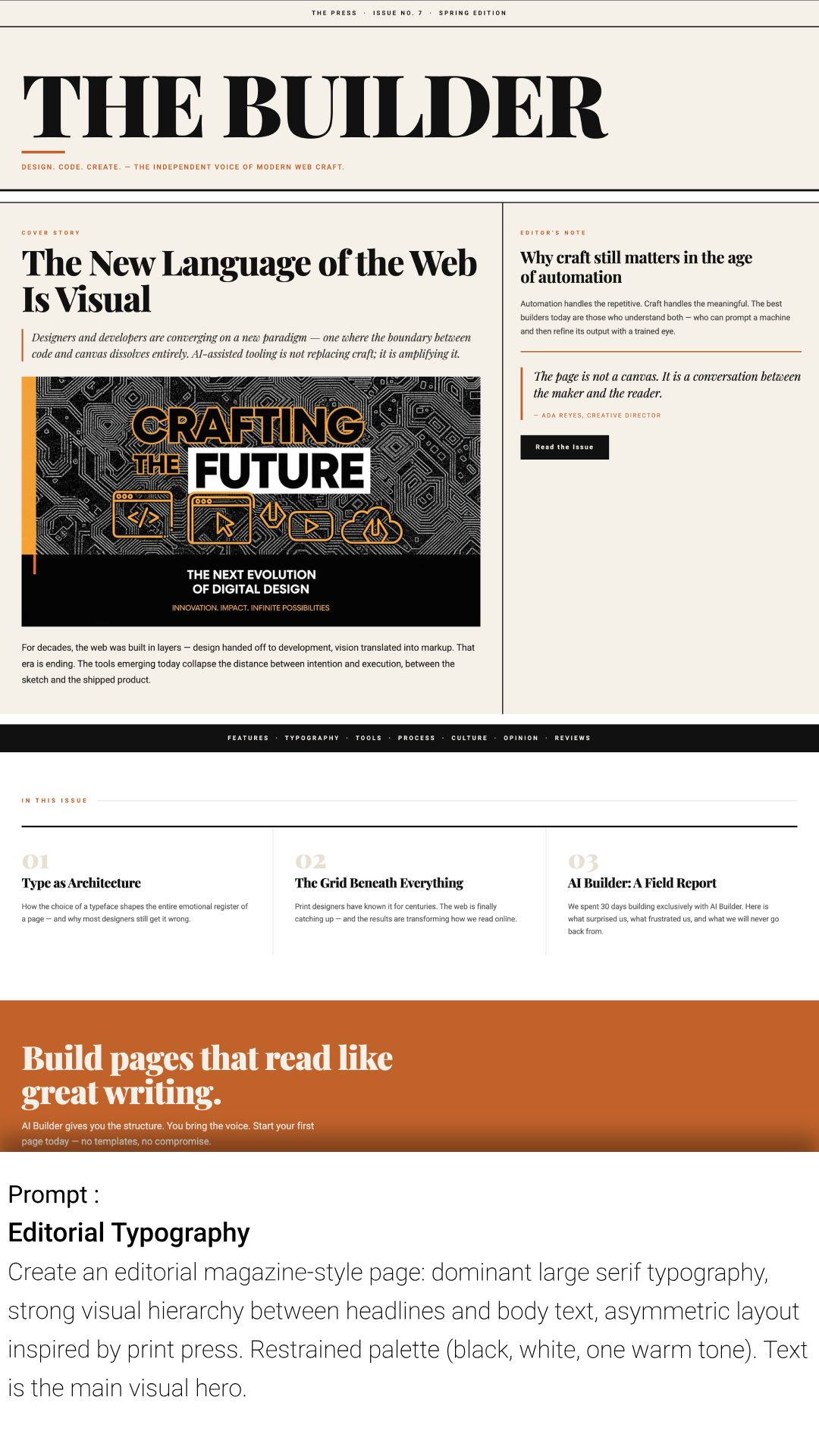
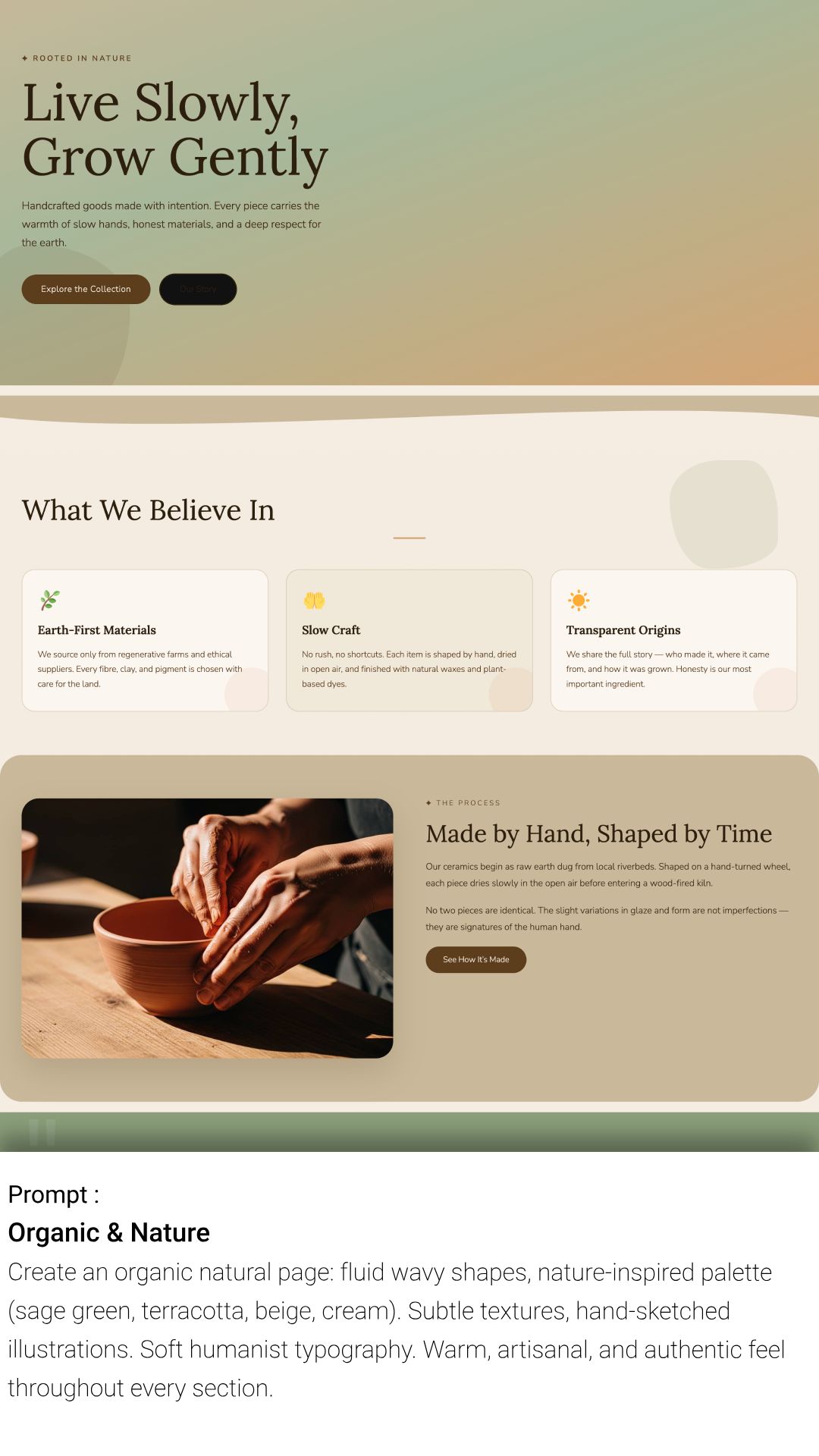
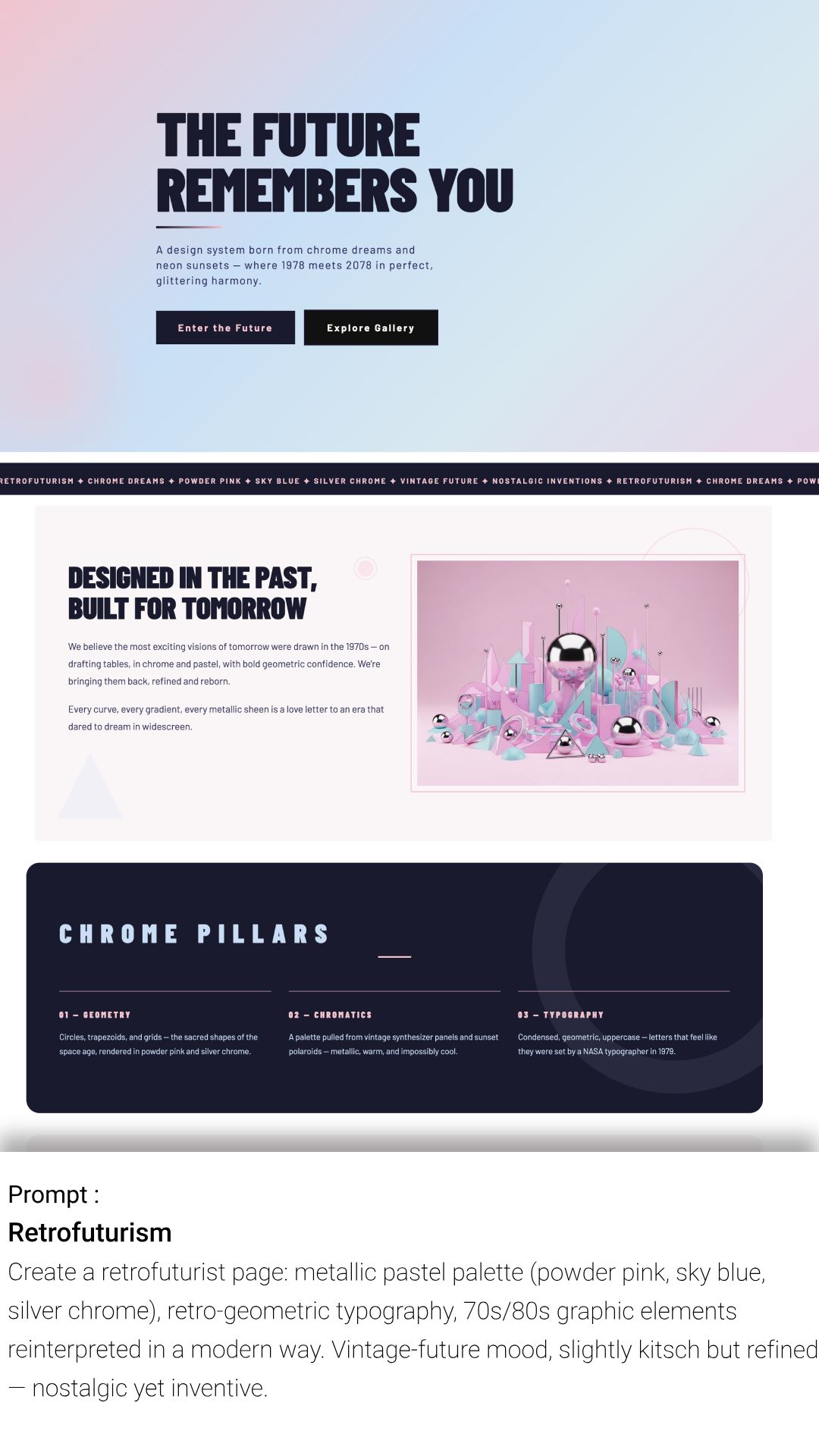
- 🎭 Curated Visual Styles – Use pre-configured design prompts to generate pages with consistent aesthetics (e.g. neobrutalism, premium dark, minimalist, editorial).
- 🖼️ テキストから画像へのエンジン – WordPress を離れることなく、関連する画像を生成して挿入できます。
- ✍️ Content Copilot – 任意の段落ブロック内で、テキストをその場で拡張、書き換え、または翻訳できます。
- ⚙️ ブランド認知 – 設定でサイトのカラーやビジネス情報を定義すると、AI がすべての生成結果にそれらを適用します。
- 🚀 Multi-Page Generator – Create up to 10 pages simultaneously to build a full site structure in one click.
- 🌐 AI Translation Engine – Clone and translate full pages with context-aware AI. Automatically adds a frontend language switcher and manages navigation routing between languages.
- 🛒 WooCommerce Integration – Fully compatible with WooCommerce. The AI automatically detects WooCommerce and includes product blocks when creating e-commerce pages.
クレジット
enkicorbin によって開発されました
サポート
For support, documentation, and feature requests, please visit our website: https://website-ai-builder.com
Thank you for choosing WordPress AI Builder!
スクリーンショット
ブロック
このプラグインは14個のブロックを提供します。
- AI Block
- Stat Bar
- Stats (AI Builder)
- Carousel (AI Builder)
- YouTube Video (AI Builder)
- Map (AI Builder)
- Table (AI Builder)
- Tabs (AI Builder)
- Contact Form (AI Builder)
- Language Switcher
- Product Cards (AI Builder)
- Fixed Background Group
- Snackbar (AI Builder)
- Tab
インストール
- WordPress.org のプラグインディレクトリから AI Builder をインストールする
- WordPress の「プラグイン」メニューからプラグインを有効化してください
- アカウントを作成
- 「Gutenberg エディターで AI ツールの使用を開始しよう」
FAQ
-
Is the plugin free to try?
-
Yes! You get 150 free credits immediately upon signup to test all features (page generation, text, images). No credit card or OpenAI API key is required.
-
What happens to my content if I cancel my subscription?
-
You keep 100% of your content. Unlike other builders, AI Builder generates standard WordPress Gutenberg blocks and CSS that are saved directly to your database. If you cancel your subscription, your pages will look exactly the same and remain fully editable.
-
Do I need my own OpenAI API Key?
-
いいえ。AI の処理はすべて安全なサーバー上で行われます。ChatGPT や OpenAI に個別に支払う必要はなく、すべてがあなたのクレジットに含まれています。
-
Does it work with my Theme (Astra, Kadence, OceanWP, etc.)?
-
Yes. AI Builder generates native blocks that inherit your theme’s global settings (fonts, widths, etc.). It is designed to work seamlessly with any well-coded WordPress theme.
-
Can I edit the content after it’s generated?
-
Absolutely. The AI creates standard blocks (Headings, Paragraphs, Images, Columns). You can click and edit them just like any other content in WordPress.
-
Are the generated images optimized for the web?
-
はい。AI によって生成された画像は自動的に圧縮され、ウェブに適した形式に変換されるため、品質を損なうことなくあなたのサイトが高速に表示されます。
-
Can I use this with page builders like Elementor or Divi?
-
AI Builder は、最高のパフォーマンスと PageSpeed スコアを実現するために、ネイティブの Gutenberg エディター向けに設計されています。ただし、ブログの投稿や特定のランディング固定ページで Gutenberg を使用している場合は、他のビルダーと併用することもできます。
-
How do the credits work?
-
Each action (generating a page, a block, or an image) costs a certain amount of credits. You can view your balance directly in the plugin interface. We offer flexible subscriptions and one-time credit packs if you need more.
-
Can I make my website multilingual with AI Builder?
-
はい。任意のページ、ヘッダー、またはフッターを、ワンクリックで別の言語に翻訳できます。AI は単語を一語一句そのまま翻訳するのではなく、文脈に合わせて訳文を調整します。プラグインは自動的にあなたのサイトに言語切り替えスイッチャーを追加し、ルーティングも処理するため、ユーザーは自分の言語の正しいページへシームレスにリダイレクトされます。
-
Do I need a separate plugin like WPML or Polylang?
-
ほとんどの一般的なサイトでは、いいえ。AI Builder に組み込まれた翻訳機能が、固定ページの複製、コンテンツの翻訳、メニューのリンク設定を自動的に処理します。複雑な設定なしで、数分で多言語サイトを公開できるように設計された、軽量な代替ツールです。
-
Is AI Builder compatible with WooCommerce?
-
Yes! AI Builder is fully compatible with WooCommerce. When WooCommerce is installed, the AI automatically detects it and will include WooCommerce-specific blocks (product cards, add to cart buttons, product galleries, etc.) when you ask it to create a product page or any e-commerce related content.
評価


貢献者と開発者

変更履歴
2.7.8
Security: saving custom JavaScript for a page, block or Site Editor template now requires the unfiltered_html capability (previously edit_post), and the JS post meta can no longer be written through the Custom Fields box or XML-RPC. Fixes a stored XSS reachable by Contributor accounts in versions 2.4.1 to 2.7.7. Reported by md. minaruzzaman shovon via WPScan.
2.1.2
「WordPress 6.7+ との互換性のための更新と、複雑なブロック向けの CSS 生成の改善。」
2.1.1
Multi-Page Generator のキューシステムに関する軽微な問題を修正しました。
2.1.0
New Feature: Multi-Page Generator! You can now generate multiple pages (Home, About, Contact) in a single prompt.
2.0.2
保存されたブランドカラーが、生成されたボタンに正しく適用されない問題を修正しました。
2.0.1
Major Update: Added “Settings” panel to define your Brand Identity (Colors, Business Name) for consistent AI results.
1.1.4
Improved compatibility with popular themes (Astra, OceanWP) and minor UI fixes in the chat interface.
1.1.3
クレジット消費ロジックのセキュリティ強化と最適化。
1.1.2
軽微な問題を修正しました
1.1.1
Hotfix: Resolved a character encoding issue in AI-generated headings.
1.1.0
軽微な問題を修正しました
1.0.4
Optimization: Faster response time for image generation requests.
1.0.3
「お問い合わせフォーム」ブロックと「Pricing Table」ブロックに対するプロンプトの理解度を改善しました。
1.0.2
「モバイル端末でチャットウィジェットが開かなくなる原因となっていた CSS の競合を修正しました。」
1.0.1
AI サーバーへの初回接続に関する軽微なバグ修正および安定性の向上。
1.0.0
WordPress AI Builder の初回リリース – AI の力でサイト構築をこれまで以上に高速化。