
説明
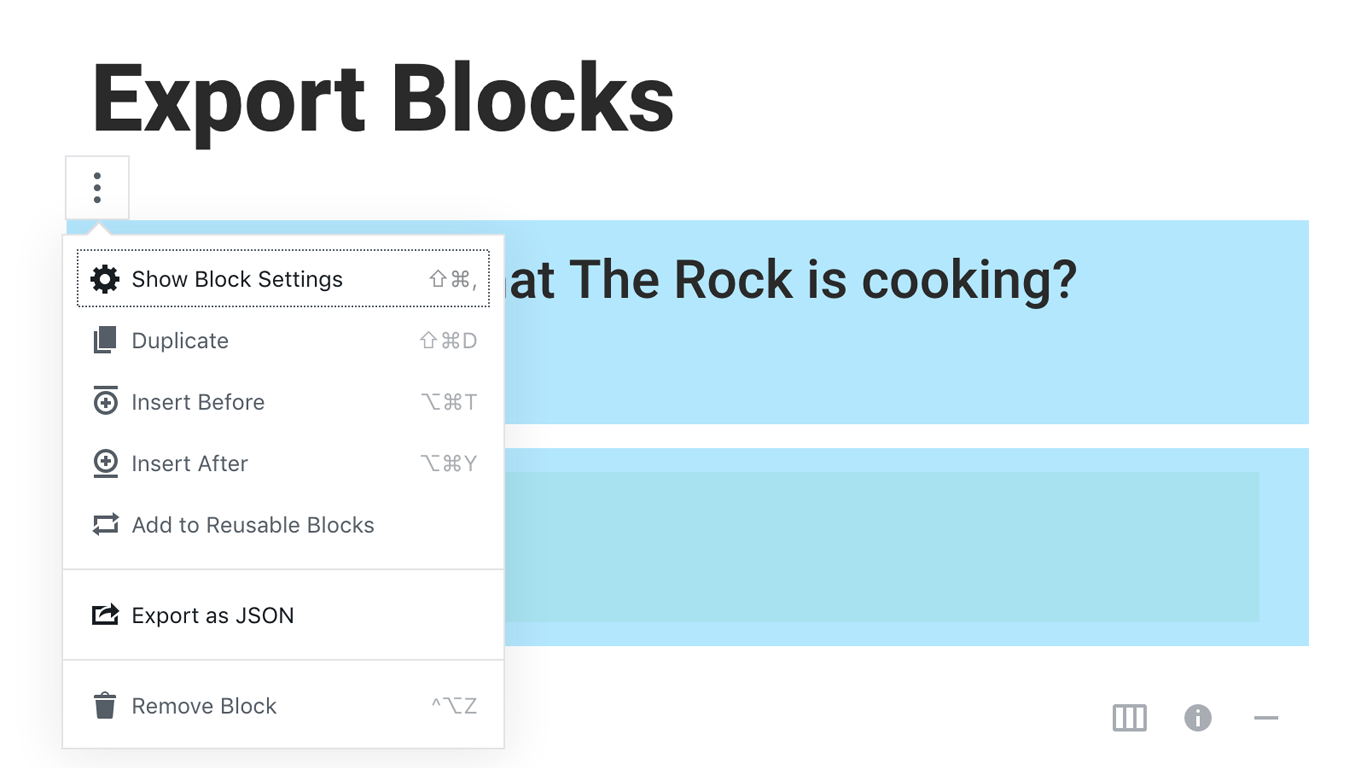
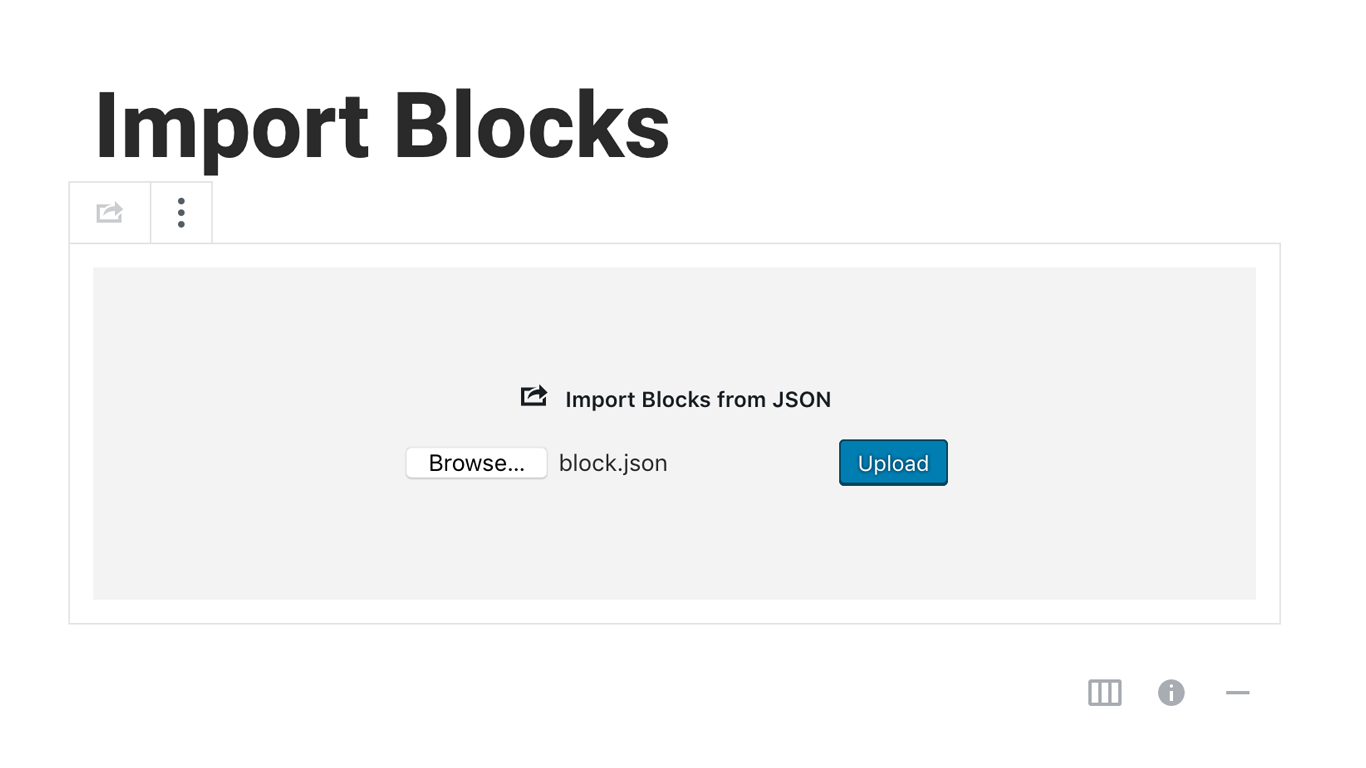
Blocks Export Import plugin allows you to import and export blocks as JSON in Gutenberg Block Editor.
All the code and sources for this plugin are publicly available as part of https://github.com/Codeinwp/otter-blocks.
スクリーンショット
インストール
Activating this plugin is just like any other plugin. If you’ve uploaded the plugin package to your server already, skip to step 5 below:
- Install using the WordPress built-in Plugin installer, or Extract the zip file and drop the contents in the wp-content/plugins/ directory of your WordPress installation.
- Activate the plugin through the ‘Plugins’ menu in WordPress.
- Go to Gutenberg editor and play around with the block.

貢献者と開発者
Blocks Export Import – Backup & Move Gutenberg Blocks as JSON はオープンソースソフトウェアです。以下の人々がこのプラグインに貢献しています。
貢献者

変更履歴
You can check the changelog here.