
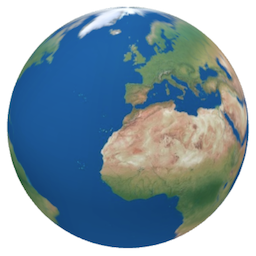
説明
Create stunning, interactive 3D world maps globes for your WordPress site.
Demo | Documentation | Pro
This plugin offers a realistic 3D world map with clickable map elements, allowing users to explore geographic locations on a dynamic world map in an engaging and immersive way.
Perfect for displaying global data, travel maps, or educational content, this 3D interactive world map plugin enhances user experience with smooth, responsive design.
Easily integrate a customizable 3D world map into your website to captivate your audience.
No API Keys required!
3D 地球儀
地球儀は、3D レンダリングに ThreeJS/WebGL を使用し、球面投影で 3 次元グローブを作成できるライブラリである globe.gl を使用して生成されます。
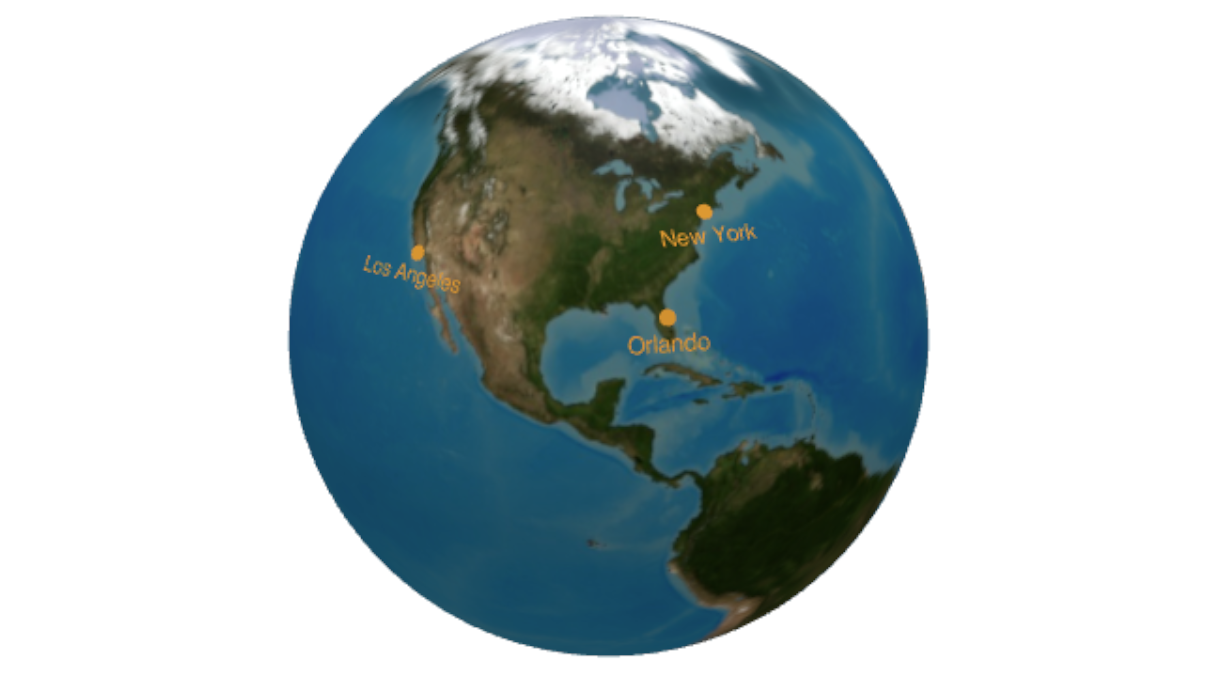
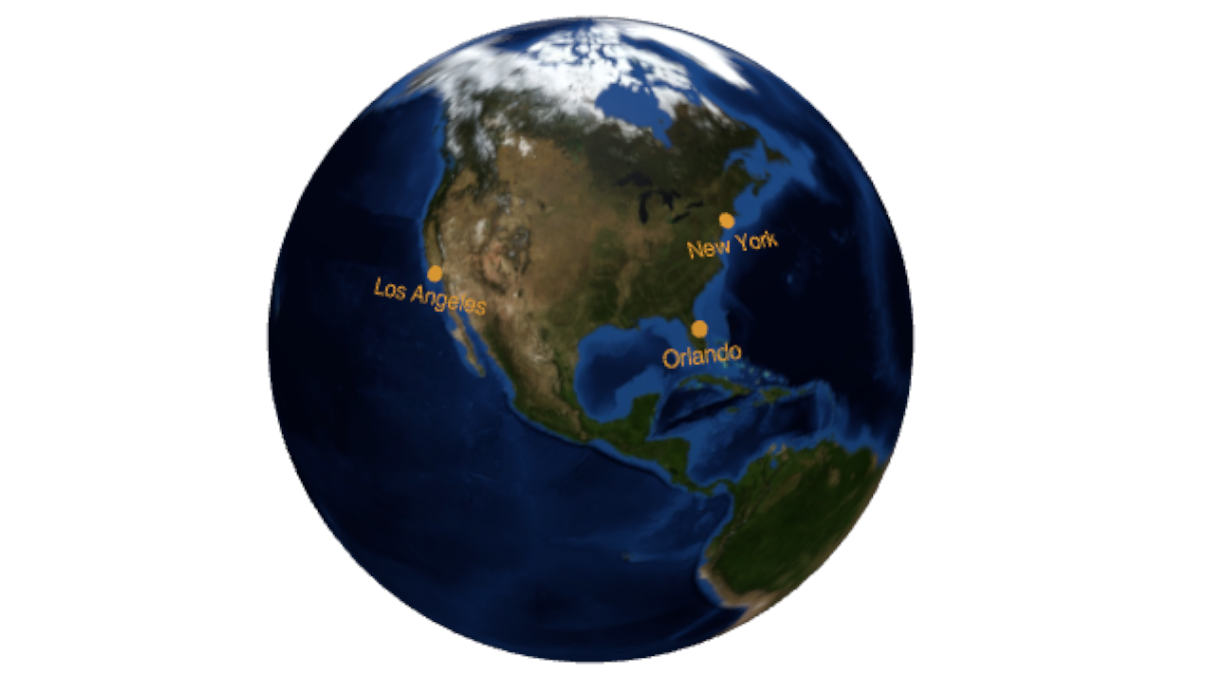
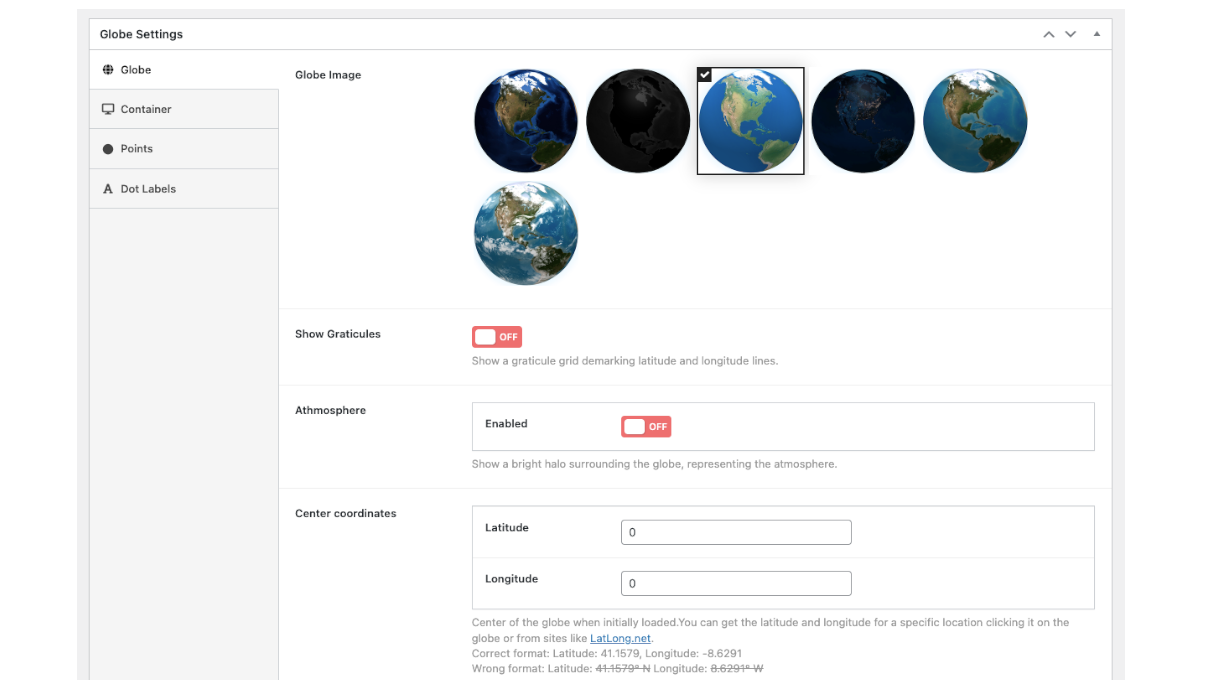
If you need to display locations on a world map, this is the solution for you. There are different world map representations, night and day, you can choose from different globe images.
Create your first 3D interactive world map in minutes! Use this powerful 3D map WordPress plugin to highlight locations, offices, projects, representatives, statistics, or any interactive marker visualizations you need, such as visited cities map, etc!
地球儀を作成すると、ブロック エディター、Elementorなどを含むすべての一般的なページ ビルダーで使用できる固有のショートコードが得られます。
Free Features
- いくつでも地球儀を作成できます
- レスポンシブかつクロスデバイス
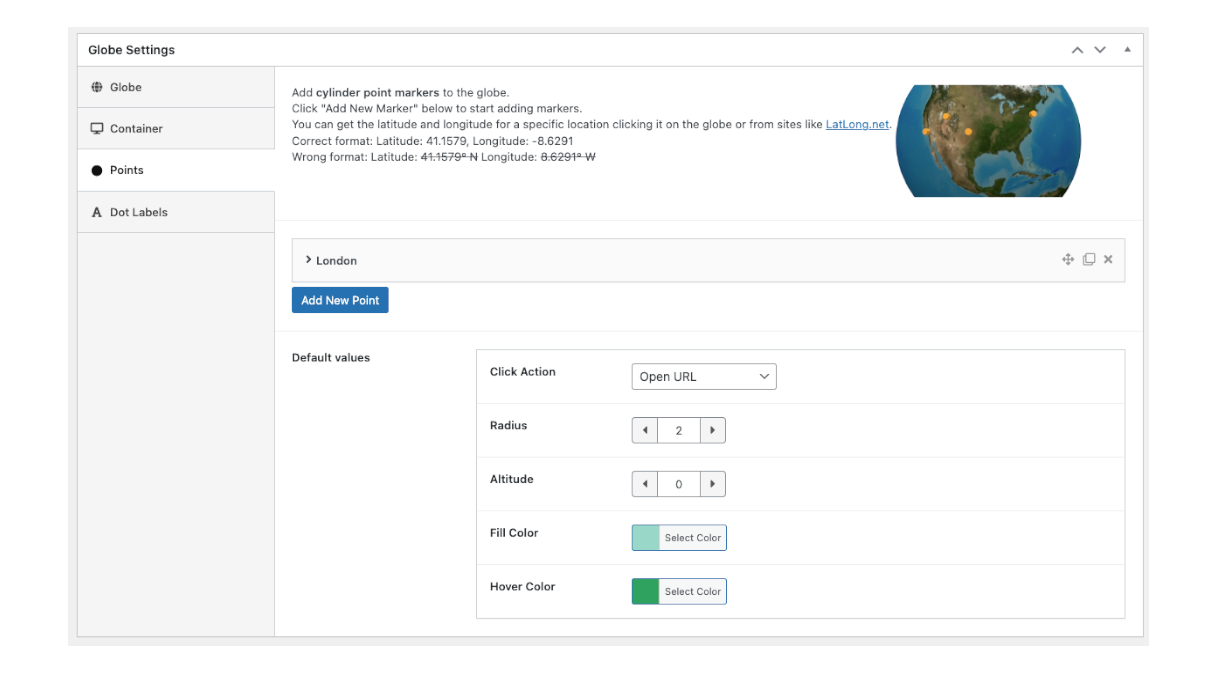
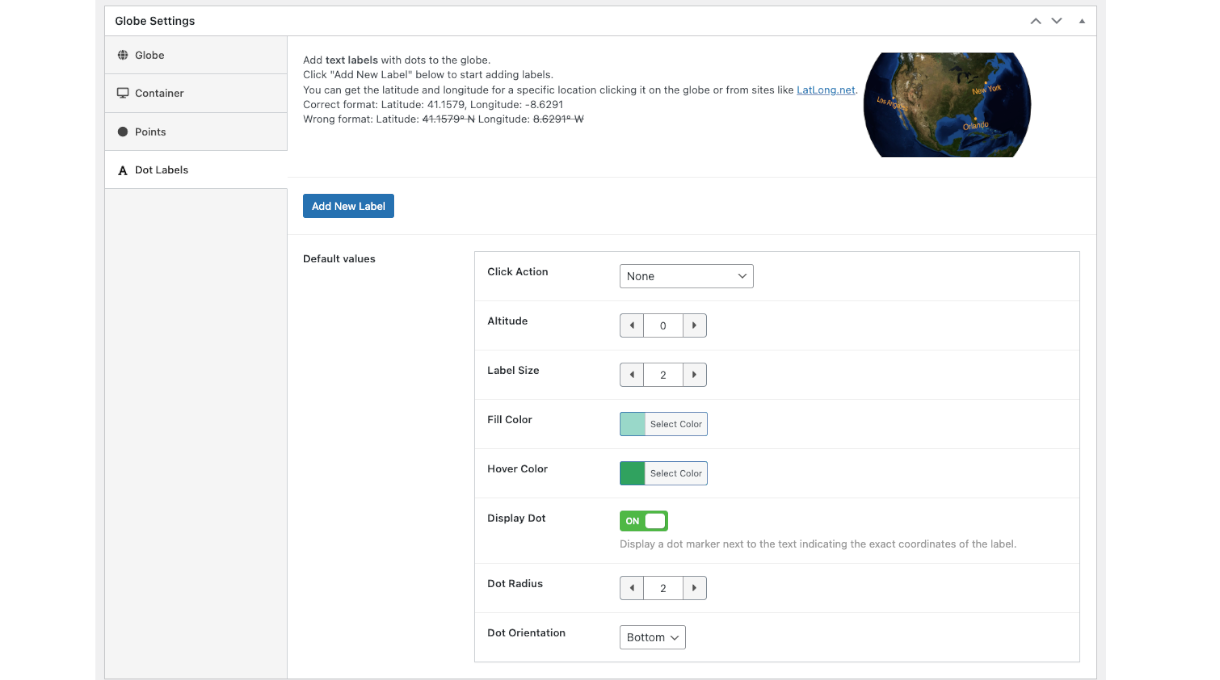
- Add coloured markers and dot text labels
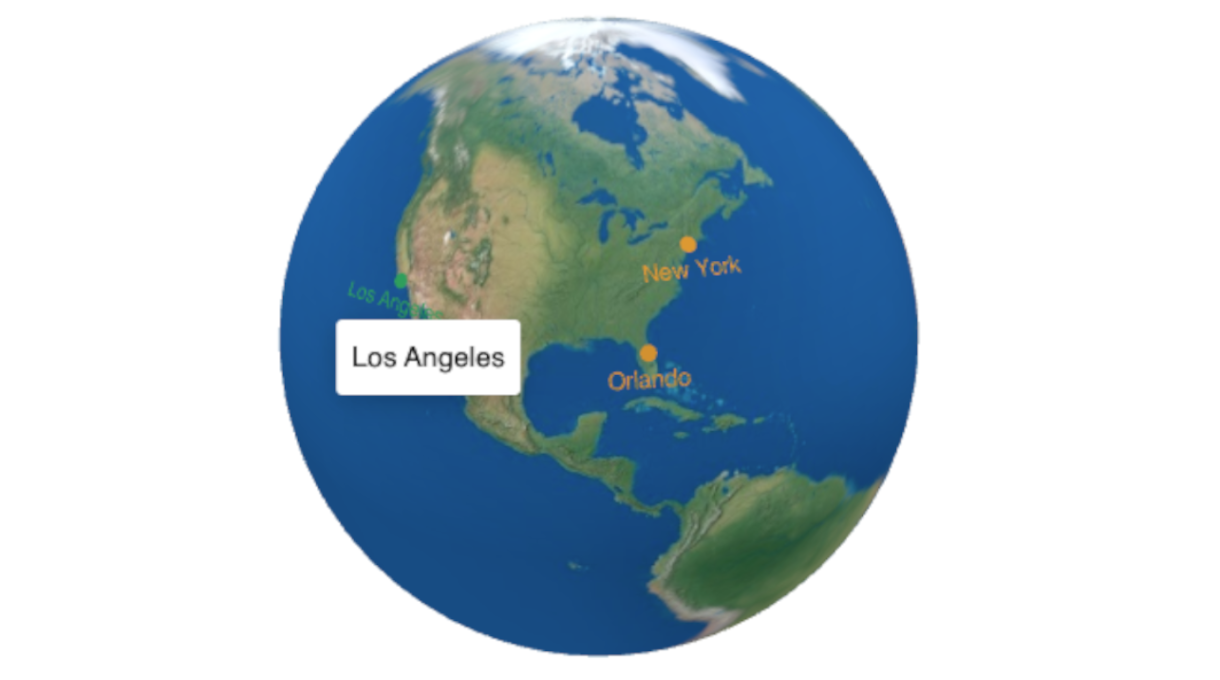
- ホバー色の変更を設定する
- 新しいウインドウで開くなどのクリックアクションを設定
- 別の地球儀画像を選ぶ
- ホバーで HTML ツールチップを表示
このプラグインは、HTML5 ページに直接埋め込まれ、最新のすべてのブラウザーおよびデバイスと互換性のある、インタラクティブで応答性の高いタッチ対応のマップ グローブを生成します。
PRO version Features
- Regions – Colour countries or regions in the globe – great for visited countries map
- Arc Lines – Add lines connecting two or more points on the globe
- More Globe appearance options: Hollow Globe, Custom Color, Custom Globe Image
- More marker types: custom images, html markers, 3d pins
- Advanced Click Actions: Display Content Below, Above, Right, Left, in a Lightbox and in an Iframe.
- Priority support
- Priority updates
クレジット
スクリーンショット
FAQ
どこでマーカー用の座標を取得できますか?
You can get the latitude and longitude needed to a add a marker to a map using sites like GetLatLong or LatLong.net or any other similar website. Clicking the globe preview will also return the coordinates of the clicked point.
どこでプラグインの使用方法が分かりますか?
公式 Web サイトのドキュメント ページにアクセスできます。
Do I need an API Key? No
No, the plugin and world maps/globes work without the need of API Keys.
評価


貢献者と開発者
Interactive Globes – 3D World Maps はオープンソースソフトウェアです。以下の人々がこのプラグインに貢献しています。
貢献者

変更履歴
1.4.12
- Fix: Handle geojson source
- Fix: Optimize region counter
- Fix: Edit/new button data for regions
- Fix: Handle of events triggered by search
- Fix: Handle of iframe access
- Fix: Update params for add data
- Fix: Run existing assigned globe functions before overwriting them
- Fix: Handle empty templates
1.4.11
- New: Graticules can now be costumized for Color, Opacity, Thickness and Altitude
- New: Add quick edit to dotlabel
- New: Add cpts to new cpt list filter
- Fix: Improve naming for parent globe select
- Fix: Admin col for cpt html
1.4.10
- New: Also stop auto rotate when regions are hovered
- Maintenance: dependencies updated
1.4.9
- Fix: rework the enqueue process
- Fix: rework the feature process to have less boilerplate
- Fix: move some classes to framework
- Fix: cpt globe options
- Fix: Update cpt labels
- Fix: Add responsive widths to content areas, closes
- Fix: Responsive css rules for content left/right missing
1.4.8
- New: Add filter for parent globe id
- New: Sortable parent globe column
- Fix: loading of parent globe select to id script
- Fix: change parent globe id when select changes
- Fix: change build mode
- Fix: prefix cpt global functions
- Fix: Rotate to location on search without choices.js
1.4.7
- New: local threejs
- Fix: Use wp functions to in rest api route for delete method
- Fix: Better responsive click areas
- Fix: Shortcode copy button title translatable
- Fix: Enqueue styles in features
- Tooling: Set minimum php version
- Tooling: Update free variation build task
1.4.6
- New: Add modal styles
- New: Set Maximum Allowed Zoom
- New: Add percentage placeholder in Region Counter
- Fix: Flag pole is not rendering altitude correctly
- Fix: Change wording in altitude field description
- Fix: Selecting WP Rich Text editor for any field in the settings causes PHP error
- Fix: HTML Markers are showing up in Free version
- Fix: Only include active regions in Region Counter
- Fix: Streamline the dimensions of Click Action areas
- Maintenance: Improve vendor prefix
1.4.5
- New: HTML marker
- New: 3D pins: Pin, Flag, Image and Marker
- New: Region Counter
- Fix: Trigger actions in modal
- Fix: Improve modal styles
- Fix: Click actions array
- Fix: Add click actions to point
- Fix: Ignore globe id 0 when hooking meta data
- Maintenance: Update readme
- Maintenance: Simplify namespace and add prefix to vendors
1.4.4
- New: Double tap/click zooms in
- New: Region stroke color
- Fix: Button styles in modal
- Fix: Prevent globe library to load where is not needed
- Fix: Prevent loading multiple instances of Three.js
- Fix: clean up code
1.4.3
- New: Duplicate/clone globe
- Fix: Allow word delimiters in rest api point
- Fix: Region json field when missing files
- Fix: Region list
- Fix: Action clicks
- Fix: Empty dot label name
- Fix: Redirect on license activation
- Fix: Loading model order
- Fix: Copy shortcode to clipboard with old method
1.4.2
- Maintenance: Update globe gl, readme links
- Fix: Use region’s name for sorting
1.4.1
- Fix: Set bigger lightbox on smaller screens
- Fix: Prevent side color of regions in hollow globe
- Fix: TooltipTemplate and onlyActive for regions tooltips
- Fix: Visual issues when multiple features are enabled
- Fix: Better nl2br handling for html content
- Fix: Update freemius to signal addons
- Deprecate: Deprecate public method: get_globe_items
- Maintenance: Update build tasks, ignores
1.4.0
- New: Connect existing markers into new lines
- New: Layers and filters
- New: Dropdown Search
- New: Custom geojson for regions
- New: Quick activation link in admin notice for pro users
- Fix: Pause rotation on hover by default for markers
- Fix: Shortcode footer loading in only plugin’s related pages
- Several maintenance and integration fixes
1.3.2
- Fix: Update globe render meta filter
- Fix: Add a check on meta for shortcode
- Fix: Update dotlabel meta section name
- New: improved parent globe selection
- New: Tooltips template
1.3.1
- New: Copy shortcode button
- Fix: Workaround when API DELETE is blocked
- Fix: Allow assets to be loaded in plugin pages
- Fix: Expose globe parent field when not in iframe [Pro]
- Fix: Improve freemius integration [Pro]
- Fix: Hide some geocoding fields [Pro]
1.3.0
- Fix Rest API Error
- Add more filters to help customize the globe rendering
- Better default values
- Ripple effect on click
- Move external Font Awesome files to plugin
- Better action content handling of new lines breaks
- Improved admin preview experience
1.2.1
It brings an improved interface.
* add interactions inputs for animation, zoom, pan & rotate
* sets alpha and antialias
1.2.0
It introduces a huge work to improve the elements of the globe.
* Rewrite Points and Dotlabels as a cpt
* Add lifecycle events
* Migration from legacy elements to new cpt.
* Add Modal view for elements
1.1.1
- Add option to change label
- Reorg globe models
1.1.0
- expose Global object ittGlobe
- unify naming
1.0.5
- Improve assets loading
1.0.4
- 更新: 初期の半径サイズ
- 修正: メタの漏れ
- エディター外のアセットのロードを防止する
- ショートコードを含むメタの読み込みを他の画面に読み込まないようにする
- 「記憶」タブを有効にする
- フリー版とプロ版のコードは分離されています
- 分離された Javascript の機能
1.0.3
- コードの調整
1.0.2
- 依存関係の更新
- バグ修正
1.0.1
- バグ修正
1.0.0
- 初期リリース