

説明
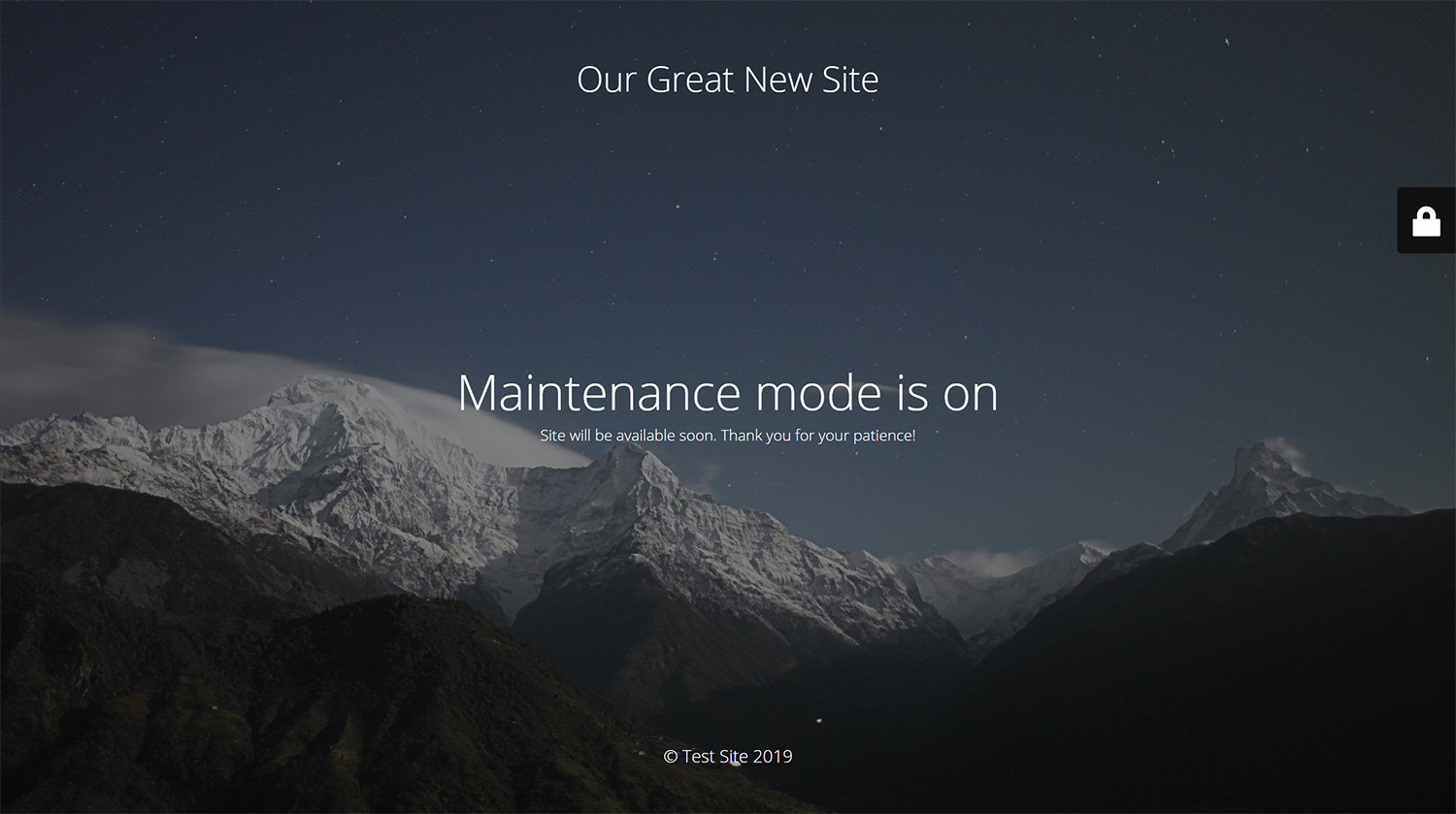
WP Maintenance プラグインを使えば、WordPress サイトの管理者はサイトをメンテナンス中として一時的に閉じることができます。「503 Service Temporarily Unavailable」を有効にし、認証付きの一時ページを設定可能。このページはプラグイン設定から編集できます。ロゴや背景画像の追加、色の選択、テキストの編集も自由自在。すべてのデバイスで美しく表示されるよう、デザインもかんたんにカスタマイズ可能です。フォントには EU の GDPR に準拠した Bunny Fonts を使用しています。
メンテナンスページ、近日公開ページ、ランディングページをもっと早く作成したいですか ? あらかじめ用意されたテーマや800万点以上の無料画像を活用できる WP Maintenance PRO プラグインをぜひご覧ください。
Having problems with spam or bots? Try our free Advanced Google ReCaptcha plugin. It’s used on over 200,000 sites and provides great protection!
機能
- over 200 themes in the PRO version
- フルスクリーン背景表示(Backstretch 使用)
- 背景のぼかし効果
- ロゴ画像のアップロードに対応
- フォント、アイコン、背景などのカラーを自由に設定可能
- タイトル、見出し、テキストをカスタマイズ可能
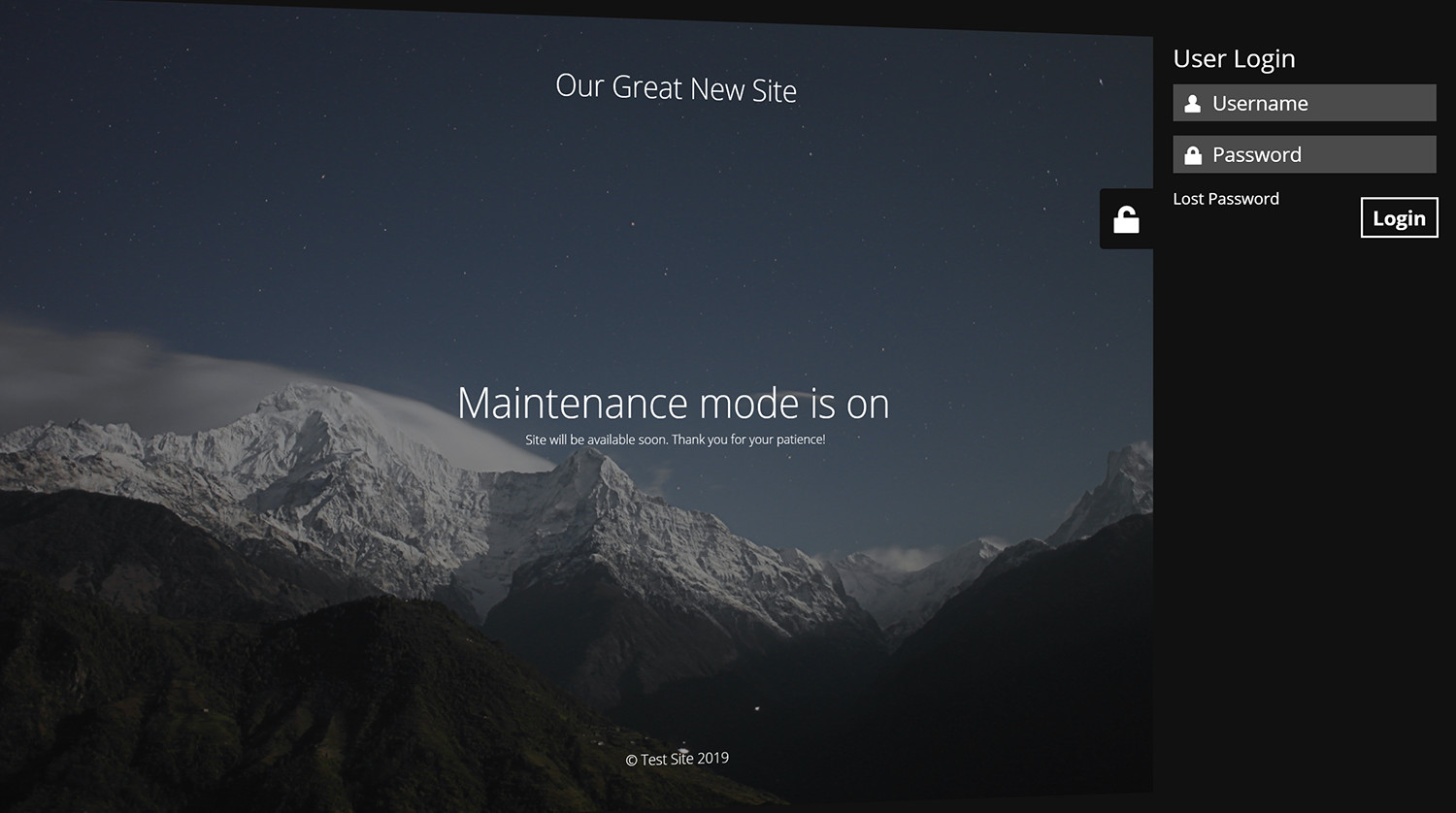
- フロントエンドでのユーザーログイン機能
- 管理バーにステータス表示
- 503 エラー の有効/無効
- Google アナリティクスに対応
- 特定のページをメンテナンスモードから除外可能
- 主要なキャッシュ系プラグインほとんどに対応
- mtnc_load_maintenance_page_for_this_user フィルターで、メンテナンスページの表示対象ユーザーを柔軟に変更可能
サポート
WP Maintenance に関する問題・ご質問・ご要望がありましたら、公式サポートフォーラムでスレッドを投稿してください。数時間以内にすべてのご質問に対応しています!
「ありがとう」を伝えたい方は、ぜひ レビューをお寄せください。
GDPR への対応について
We are not lawyers. Please do not take any of the following as legal advice.
If you don’t opt to use Bunny Fonts and don’t use Google Analytics then no resources are loaded or shared with 3rd parties. And nothing is tracked. Opting to use any of those services will result in data sharing/tracking as described in their terms of service.
Maintenance uses these 3rd party libs:
- Super simple WYSIWYG editor v0.9.0, MIT
- SweetAlert 2, github.com/Sweetalert2/Sweetalert2, MIT
- jscolor Color Picker, GNU GPL v3
- Ace Editor (Ajax.org Cloud9 Editor), BSD
- Web Font Loader, Apache 2 License
スクリーンショット
インストール
通常の手順に従ってください。
- WordPress の管理画面を開き、「プラグイン」「新規追加」に進みます。
- 検索ボックスに「maintenance」と入力し、Enter キーを押してください。
- マスコットアイコンを目印にメンテナンスプラグインを探し、「今すぐインストール」をクリックします。
- 有効化後、WordPress 管理メニュー内にあるプラグインの設定ページを開いてください。
必要であれば、手動でアップロードすることも可能です。
- プラグインをダウンロードする。
- ZIP ファイルを解凍して /wp-content/plugins/ にアップロードします。
- WordPress の管理画面を開き、「プラグイン」で該当プラグインの「有効化」をクリックします。
- 有効化後、WordPress 管理メニュー内にあるプラグインの設定ページを開いてください。
FAQ
-
プラグインを有効にしましたが、何も変化がありません。プラグインが動作していないようです。
-
別のブラウザで確認してみてください。WordPress にログインしている場合、サイトは通常どおり表示されます。
-
メンテナンスモードが有効な間、サイトは検索エンジンに表示されたままになりますか ?
-
「503 一時的にサービスをご利用いただけません」オプションが有効になっている場合のみ、サイトは検索エンジンに表示されません。
-
サイトにアクセスするためのユーザー名とパスワードはどこで確認できますか ?
-
WordPress ダッシュボードの「ユーザー」で、新しくユーザーを作成するか、通常の WP 管理者アカウントを使うことができます。
-
質問の答えが見つかりません。どうすればいいですか ?
-
ご質問は サポートフォーラム に投稿してください。
-
セキュリティバグを報告するにはどうすればいいですか ?
-
セキュリティ上のバグは、Patchstack の脆弱性報告プログラムを通じて報告できます。Patchstack チームが、報告内容の確認・分類・対応をサポートしてくれます。セキュリティ脆弱性を報告する
評価


貢献者と開発者

変更履歴
v4.32
- 2026/07/13
- minor bug fix
v4.31
- 2026/06/30
- changed login icon back to padlock
- minor bug fixes
v4.30
- 2026/06/18
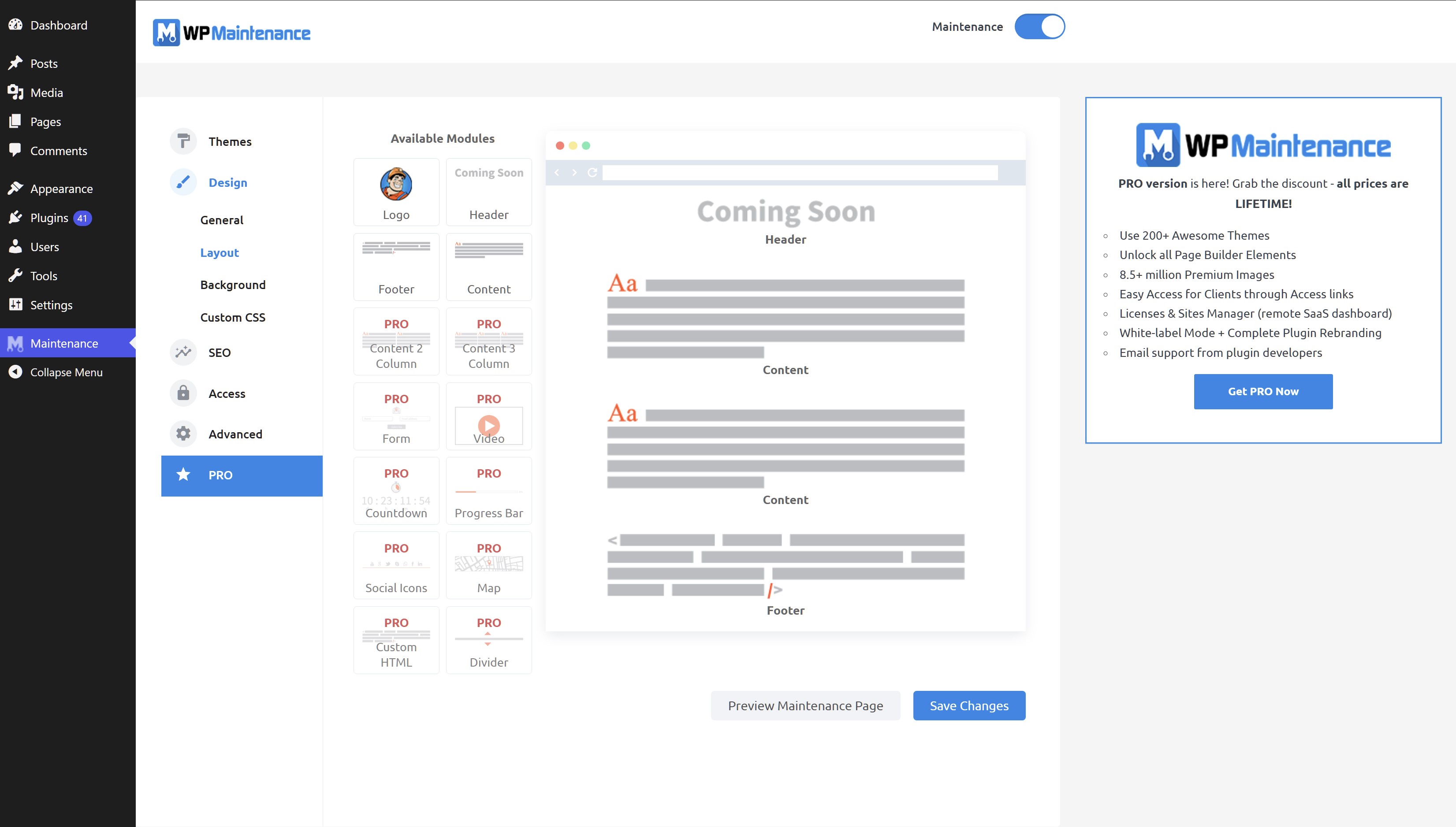
- complete rewrite, new options, new GUI
- drag&drop maintenance page builder
v4.21
- 2026/04/02
- Minor fixes
v4.20
- 2026/01/03
- Fixed Bunny Fonts getting loaded even for system fonts
v4.19
- 2025/11/19
- WordPress 6.9 compatibility
v4.18
- 2025/07/31
- improved mobile resposiveness
v4.17
- 2025/01/22
- fixed Show some love option not saving
v4.16
- 2025/01/10
- updated Google Analytics code
- added skip-lazy class to background image to fix Autoptimize compatibility
v4.15
- 2024/10/22
- fixed bug with some options not being saved
v4.14
- 2024/10/17
- excluded posts/pages not saving bug fix
v4.13
- 2024/10/13
- minor security fixes
v4.12
- 2024/06/07
- minor bug fixes
v4.09
- 2024/06/03
- added Weglot support
v4.08
- 2023/08/31
- fixed reset password URL changed if Maintenance is off
v4.07
- 2022/05/06
- replaced Google Fonts with the privacy-oriented and GDPR compliant Bunny Fonts
- minor fix for image field
v4.06
- 2022/05/06
- 便利なPRO バージョンの紹介
v4.05
- 2022/01/04
- bug fix for retina image
- security fixes
- ad for our free WP Force SSL plugin
v4.03
- 2021/07/18
- security fixes
- checked WP 5.8 compatibility
v4.02
- 2021/03/06
- JS fixes on frontend
- Contact Form 7 conflict fix
v4.01
- 2021/02/20
- added support for Cache Enabler plugin
- fixed a bug when background image isn’t defined
- fixed issue on sites with large numbers of posts/pages/CPTs
v4.0
- 2021/01/30
- added flyout menu
- added mtnc_load_maintenance_page_for_this_user filter
v3.99
- 2021/01/13
- minor fixes
- removed promo for WP 301 Redirects
v3.97
- 2020/10/02
- minor fixes
- added promo for WP 301 Redirects
v3.96
- 2020/08/19
- “headers already sent” bug fixed
v3.95
- 2020/08/14
- bug fixes for WP v5.5
v3.90
- 2020/05/30
- bug fixes
- removed integration with Amelia Booking
- added support for WP Rocket Cache plugin
- fixed blur issue
v3.85
- 2019/11/28
- bug fixes
- added integration with Amelia Booking
- added support for Hummingbird Cache plugin
v3.80
- 2019/09/25
- numerous bug fixes
- added preview button
- 40万件のインストール、379万回のダウンロード
- for older changelog entries please refer to https://wpmaintenancemode.com/old-changelog.txt