
説明
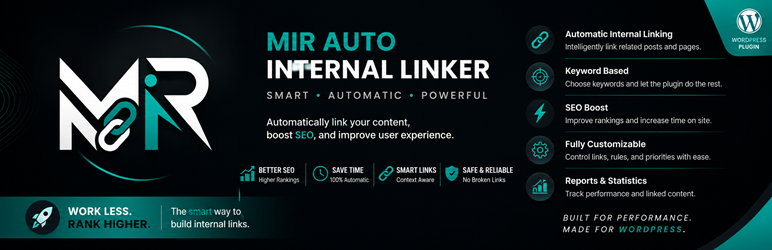
Mir Auto Internal Linker helps you create internal links automatically from selected keywords to target URLs.
Features:
- Create keyword-to-URL rules.
- Limit links per keyword and per post.
- Set keyword priority.
- Optional new-tab and nofollow attributes.
- Skip existing links and headings.
- Choose supported public post types.
- Exclude specific posts and categories.
- Basic linking statistics.
- Translation-ready and includes Persian translation files.
The plugin processes content when it is displayed. It does not permanently rewrite post content.
インストール
- Upload the
mir-auto-internal-linkerfolder to/wp-content/plugins/or install the ZIP file from the WordPress Plugins screen. - Activate the plugin through the Plugins screen.
- Open Auto Internal Linker > Keywords and add your keyword rules.
- Configure global behavior in Auto Internal Linker > Settings.
FAQ
-
Does the plugin permanently change post content?
-
No. Links are generated dynamically when content is displayed.
-
Can I exclude posts or categories?
-
Yes. Add post IDs or category IDs in the plugin settings.
-
Does it avoid existing links?
-
Yes. By default, text already inside anchor tags is skipped.
評価
このプラグインにはレビューがありません。
貢献者と開発者

“Mir Auto Internal Linker” をあなたの言語に翻訳しましょう。
開発に興味がありますか ?
変更履歴
1.0.0
- Initial release.