

説明
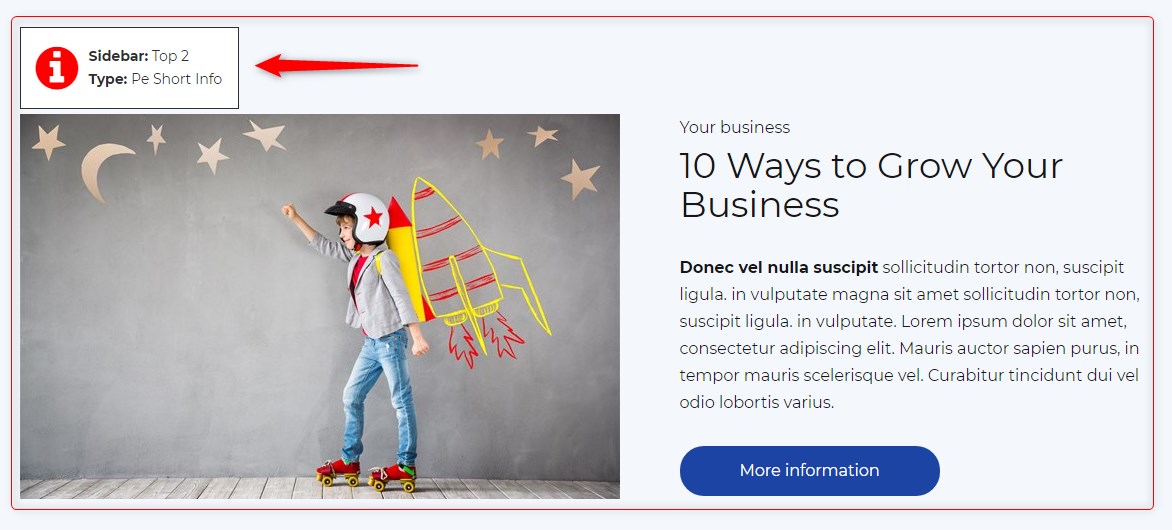
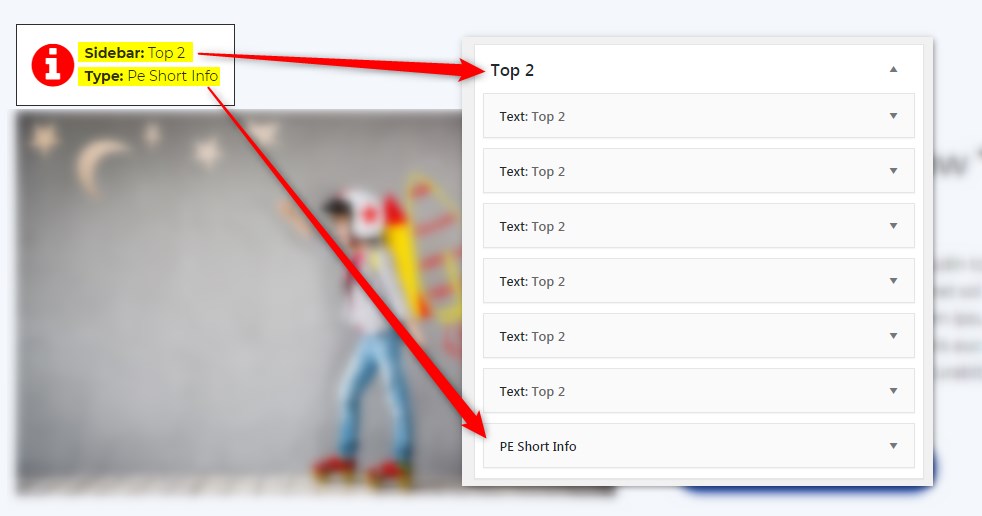
Get info about visible sidebars and widgets types and easily find them in the dashboard in Appearance -> Widgets
スクリーンショット
インストール
- In your admin panel, go to Plugins -> Add New and click the Upload Plugin button.
- Click Choose File, then select the plugin ZIP file. Click Install Now.
- Click Activate to activate the plugin.
評価
このプラグインにはレビューがありません。
貢献者と開発者
PE Theme Elements Info – get info about sidebars and widgets types はオープンソースソフトウェアです。以下の人々がこのプラグインに貢献しています。
貢献者
変更履歴
1.10
- Added information about menus
- Fixed possible incorrect widget names in sidebars
- By default information about widgets or menus on the page will be displayed only for logged-in administrators