説明
This plugin allows you to select multiple posts from the WordPress backend and export them into a single PDF file.
Useful for creating collections of articles, documentation, reports, and more.
スクリーンショット
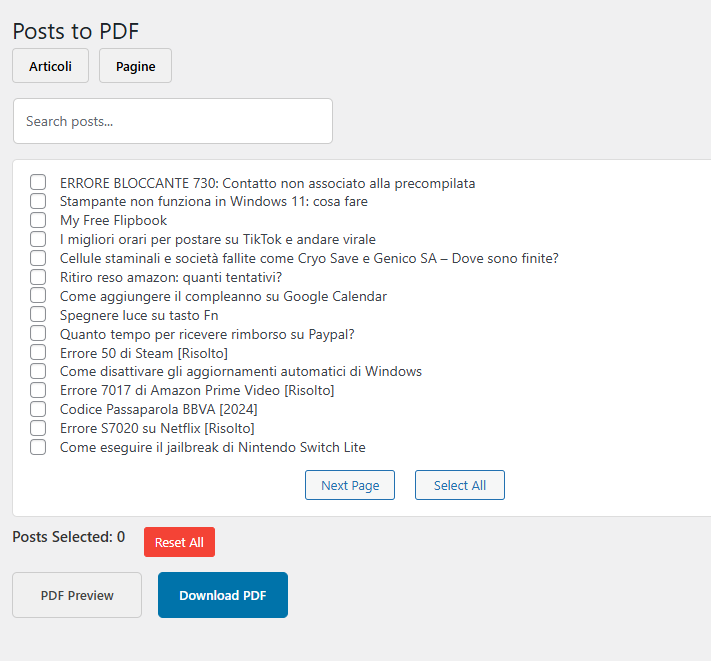
Admin interface with post selection for batch export. 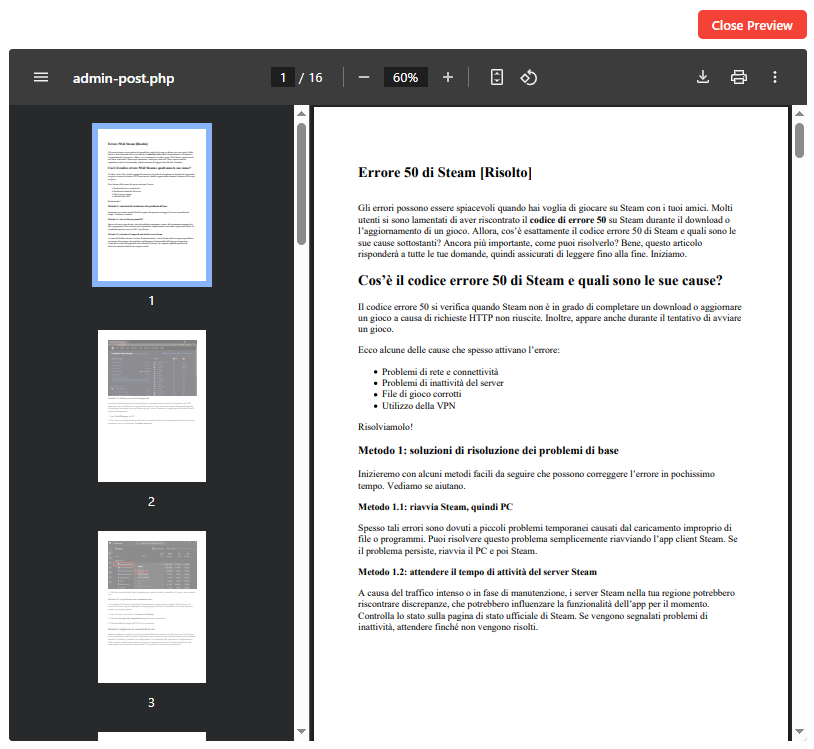
Example of the generated PDF preview.
インストール
- Upload the plugin to the
/wp-content/plugins/directory. - Activate the plugin through the “Plugins” menu in WordPress.
- Select posts from the backend and click “Export to PDF”.
FAQ
-
Can I export pages as well?
-
Yes, the plugin supports posts and pages.
-
Can I customize the PDF appearance?
-
Not yet. The PDF styling is currently fixed. Customization options may be added in future versions.
評価

2025年10月17日
Exactly what I was looking for… it lets you select posts or pages and export them into a single PDF. You can therefore export all the posts of a website into one complete PDF document!

2025年9月28日
This plugin works very well and allows you to export posts directly from the admin, something I hadn’t been able to find until now.What I’m still missing is the ability to add metadata and featured images.

2025年9月6日
1 reply
This plugin offers a one-of-a-kind feature: the ability to export all posts and pages of a WordPress site—or just a selected group of them—into a single PDF file. Each article is automatically placed one after another, creating a continuous and well-structured document.
It is the perfect tool for generating archives, article collections, reports, or documentation directly from the WordPress backend. Simple, efficient, and highly practical.
貢献者と開発者

変更履歴
1.2
- Corrections and improvements.
1.1
- Minor corrections.
1.0
- Initial release.