
説明
Sticky Content helps you turn any element on your site into sticky with ease. You can make any block, widget, or section remain visible or appear and disappear as users scroll down the page. It is useful for creating sticky headers, sidebars, banners, call-to-action boxes, or any element you want to keep in view.
Sticky Content | Demos | Pricing
The plugin works with the WordPress block editor (Gutenberg). You can also use shortcodes to add sticky elements anywhere on your site. The free version lets you create simple sticky effects, while the Pro version includes advanced triggers, transitions, and layout controls.
Sticky Content is optimized for performance and compatible with all themes and builders. It helps you design layouts that keep important elements visible while scrolling for better user engagement.
Key Features – Free Version
- Universal Shortcodes & Block: Insert via Gutenberg block (in “Widgets” category) or shortcode in posts/pages/widgets.
- Sticky Mode: All elements become fixed once they hit the top of the page.
- Top Position Offset: Set vertical offset in px for the fixed state.
- Background Control: Set a separate background for the sticky state.
- Padding Control: Adjust inner spacing for the sticky element.
Sticky Content Pro – Unlock Advanced Features
When you upgrade to Pro, you get the full suite of sticky capabilities, including:
Pro Features Include:
- Sticky Modes: Always, After Scroll, While in View (choose exactly how the element behaves as the user scrolls).
- Custom Start & End Triggers: Trigger sticky behavior by ID, CSS selector, or pixel value (start/stop at defined points).
- Horizontal & Vertical Positions: Set fixed offsets using % unit for precise placement.
- Separate Backgrounds & Sticky Backgrounds: Distinct styling when static vs sticky.
- Border, Border Radius & Shadow: Style main and sticky states independently for more design impact.
- Z-Index Control: Ensure the sticky element sits above (or below) other content as needed.
- Stick Within Container: Confine sticky behavior to a specific section or container via a custom selector.
- Scroll Trigger (px): Define how many pixels of scroll before the stick effect begins.
- Transition Animations: Choose fade, slide, scale, zoom (or none) for smooth sticky transitions.
- Duration, Delay & Easing Functions: Fine-tune the animation timing and curve for natural motion.
- Opacity & Transform Control: Fade, move, or scale the element during sticky transition for dynamic presentation.
How to Use Sticky Content – Step-by-Step Guide
Getting started with Sticky Content is quick and easy!
- Install and activate the plugin via Plugins Add New in your WordPress dashboard.
- In the Gutenberg editor, add the Sticky Content Block from the “Widgets” category; OR use the shortcode in classic editor, widget or template.
- Select the element you want to stick, then in the block’s right-hand sidebar (or shortcode attributes) configure: sticky mode, trigger, offset, styling, animation (if Pro).
- Save or update your page/post.
- View the front-end and scroll to test: as the element hits the top (or your defined start trigger) it will enter sticky mode; if an end trigger is set, it will exit when reached.
For more details or advanced configuration, visit the plugin Installation tab.
Enjoy your interactive sticky content!.
Feedback
- Did you like this plugin? Dislike it? Do you have a feature request? Please share your feedback with us
Check out the Parent Plugin of this plugin-
bBlocks – A blocks collection and page building tool for Gutenberg.
Check out our other WordPress Plugins-
Html5 Video Player – Display videos as single and playlist in multiple skins.
PDF Poster – Display/Embed PDF files with different styles.
Html5 Audio Player – Listen audios with awesome visuals.
StreamCast – Customizable radio player with different skins.
3D Viewer – Embed 3D models and 3D products with interaction.
Advanced Post Block – Show posts and custom posts in different layouts.
スクリーンショット
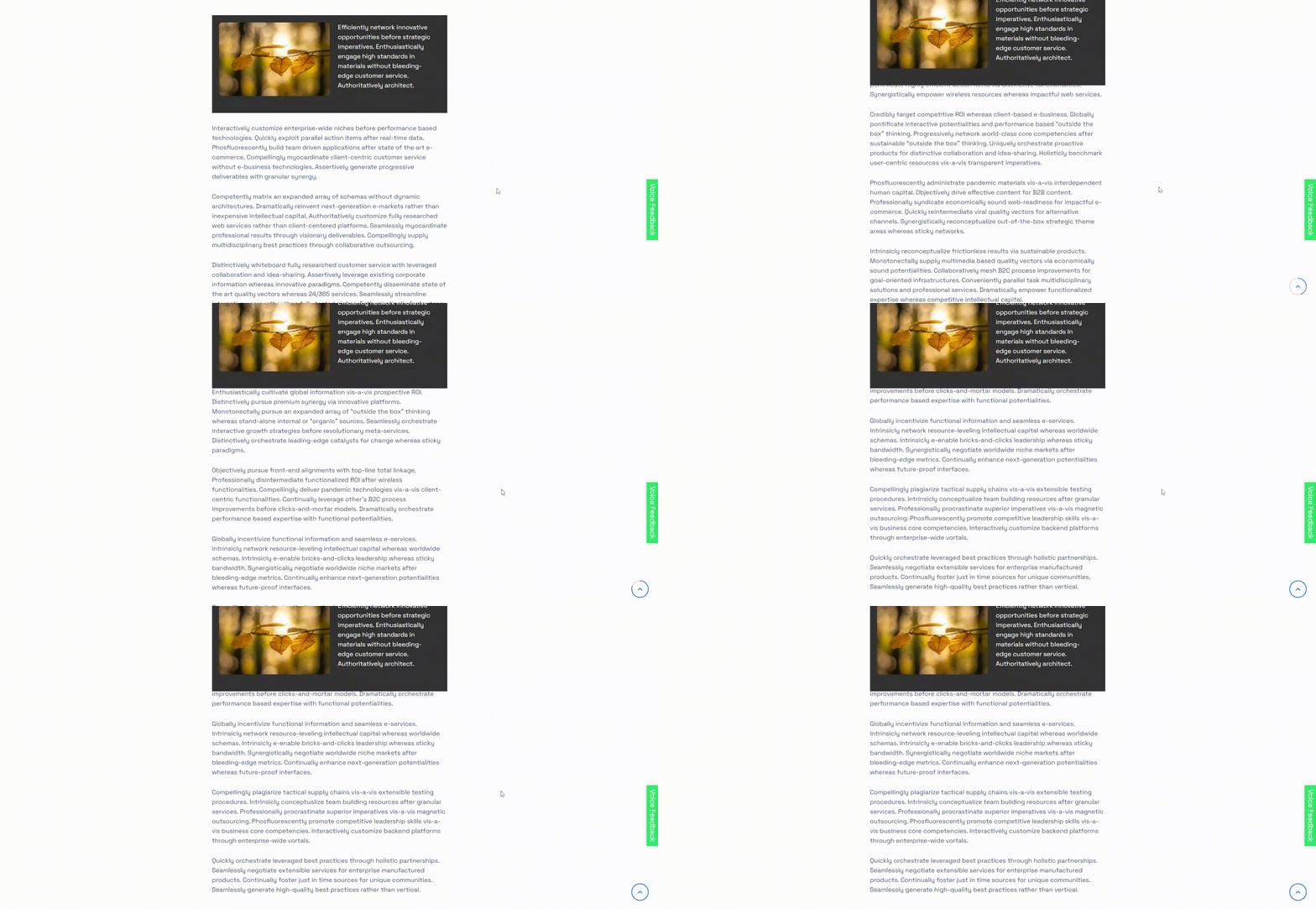
Default – Sticky 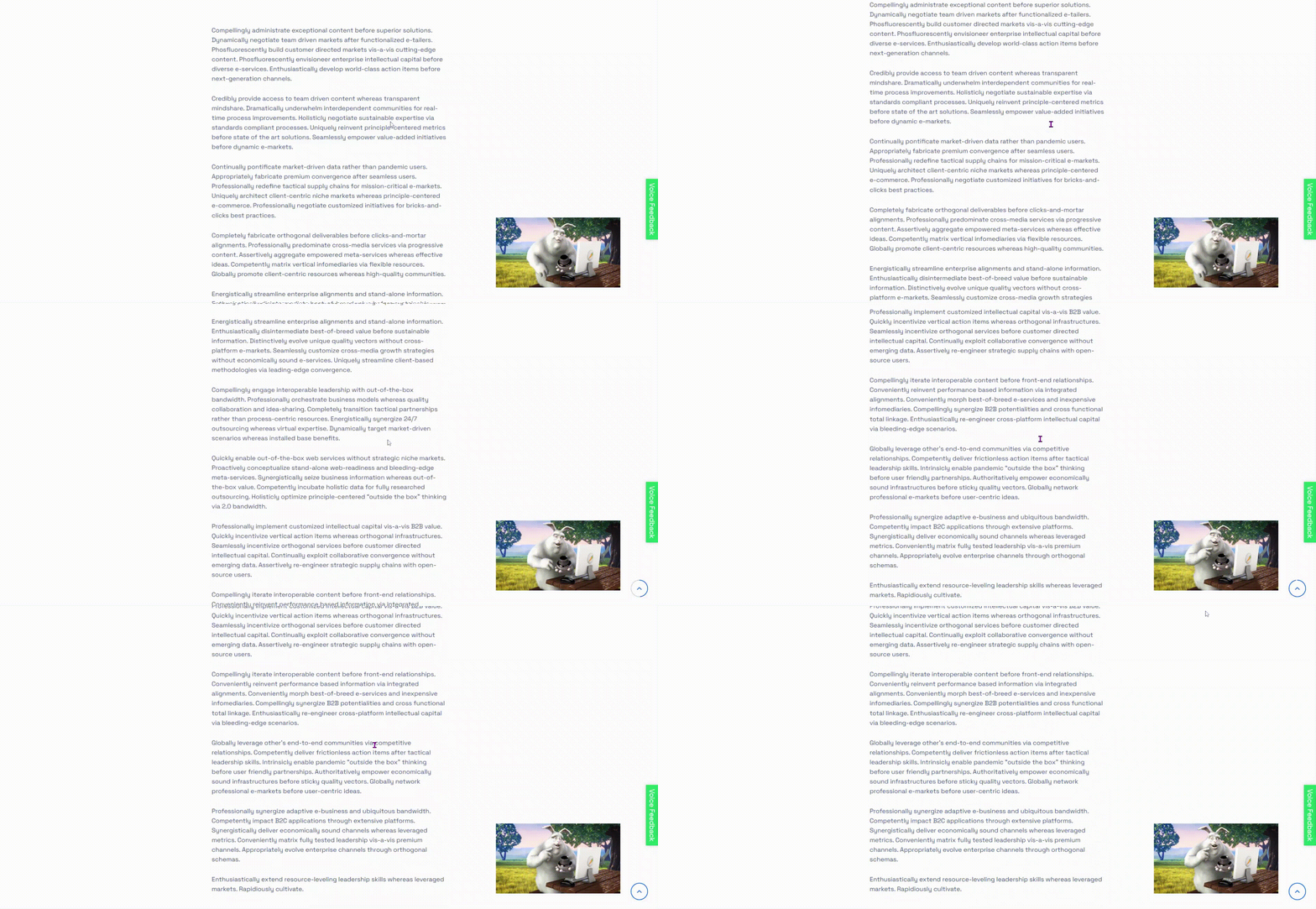
Always – Sticky 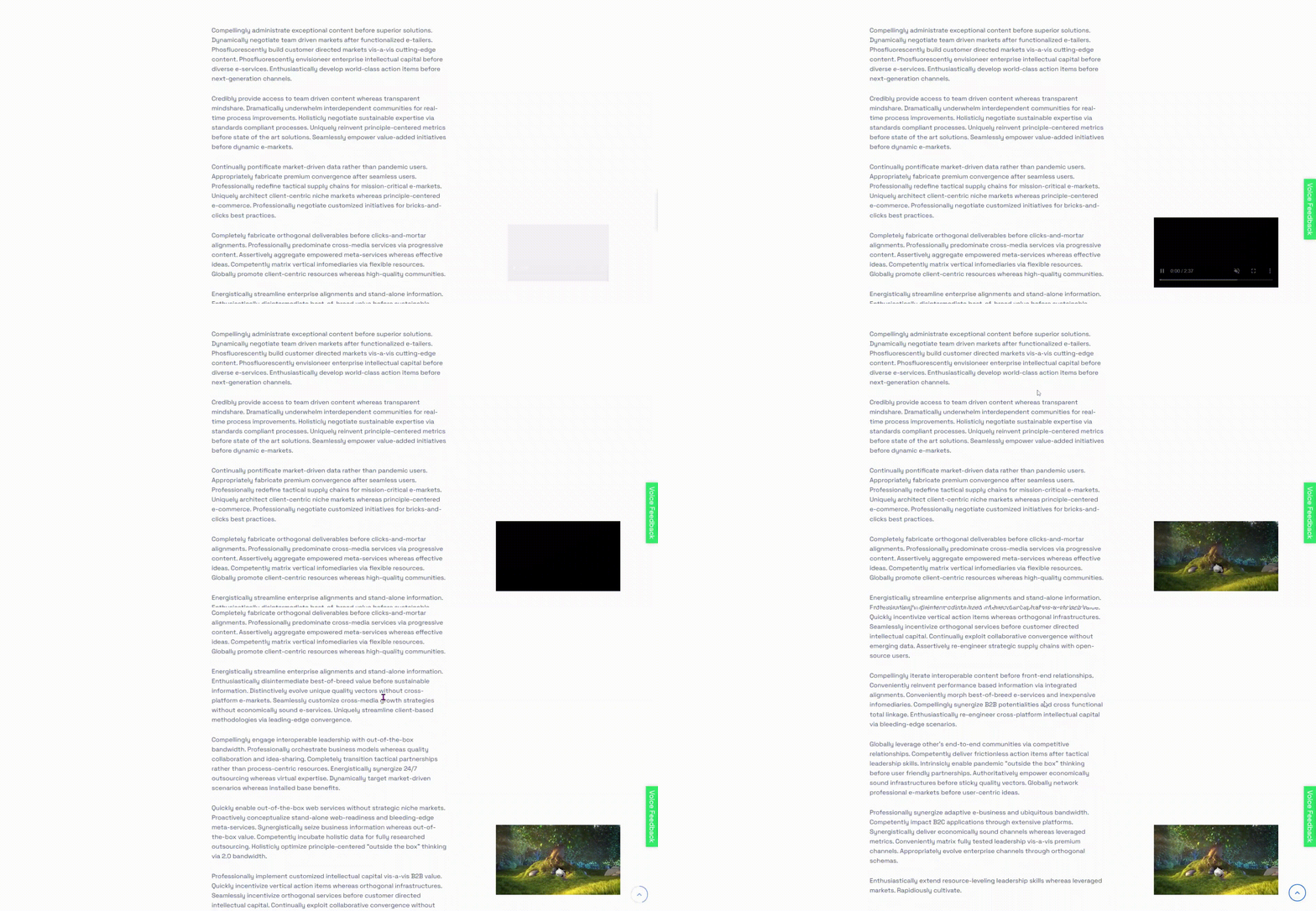
Always – Sticky (Animation) 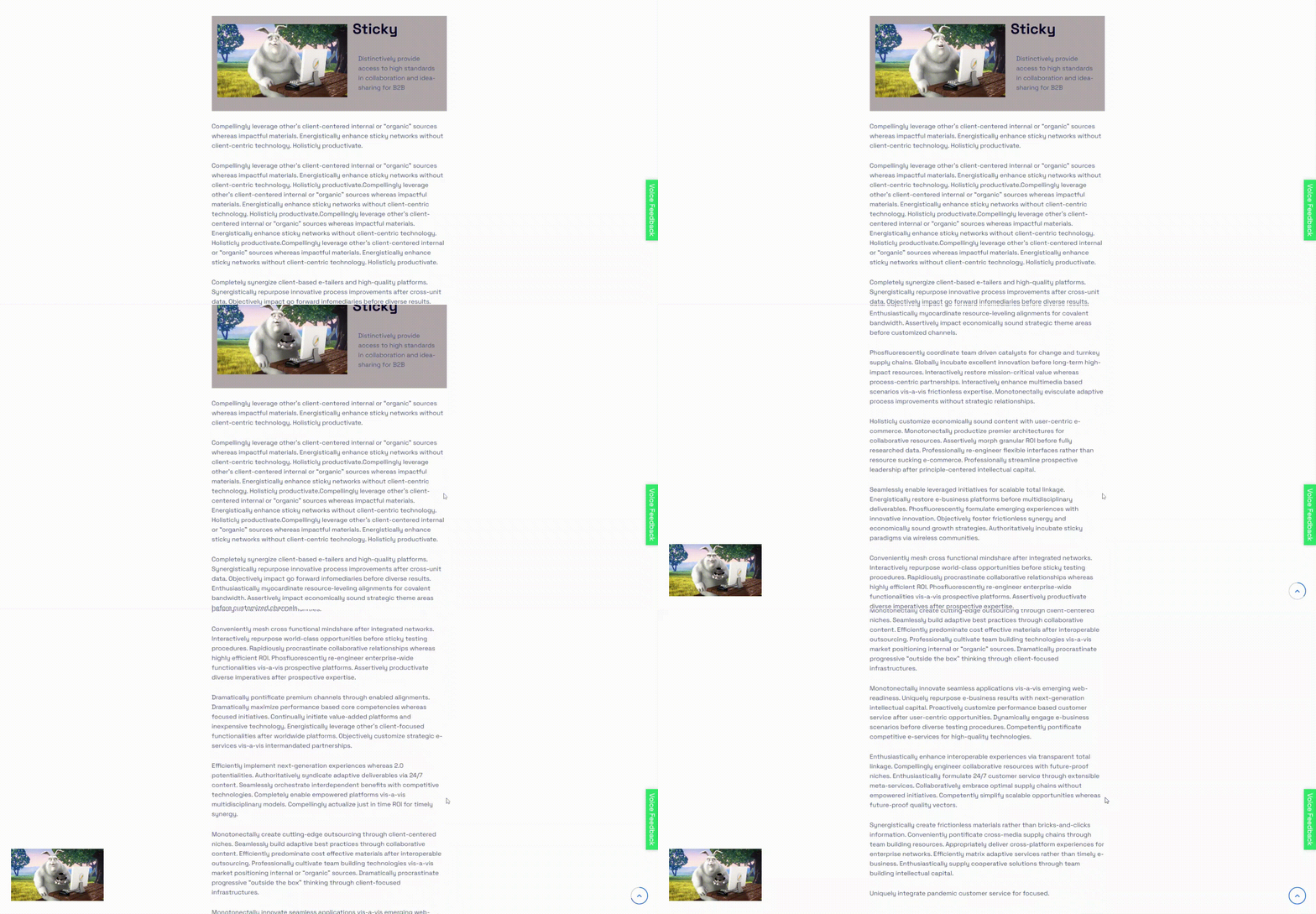
While In View – Sticky 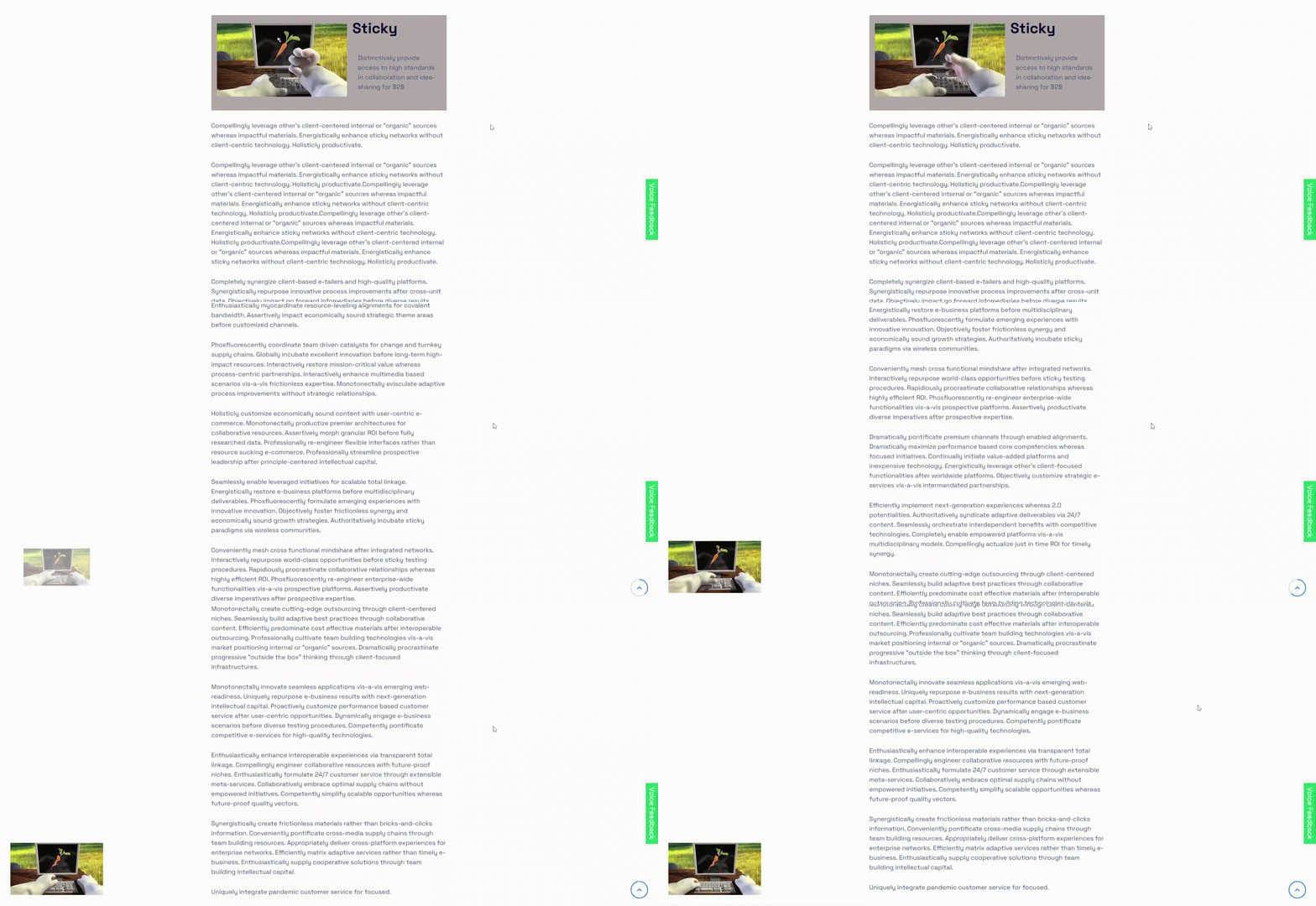
While In View – Sticky (Animation) 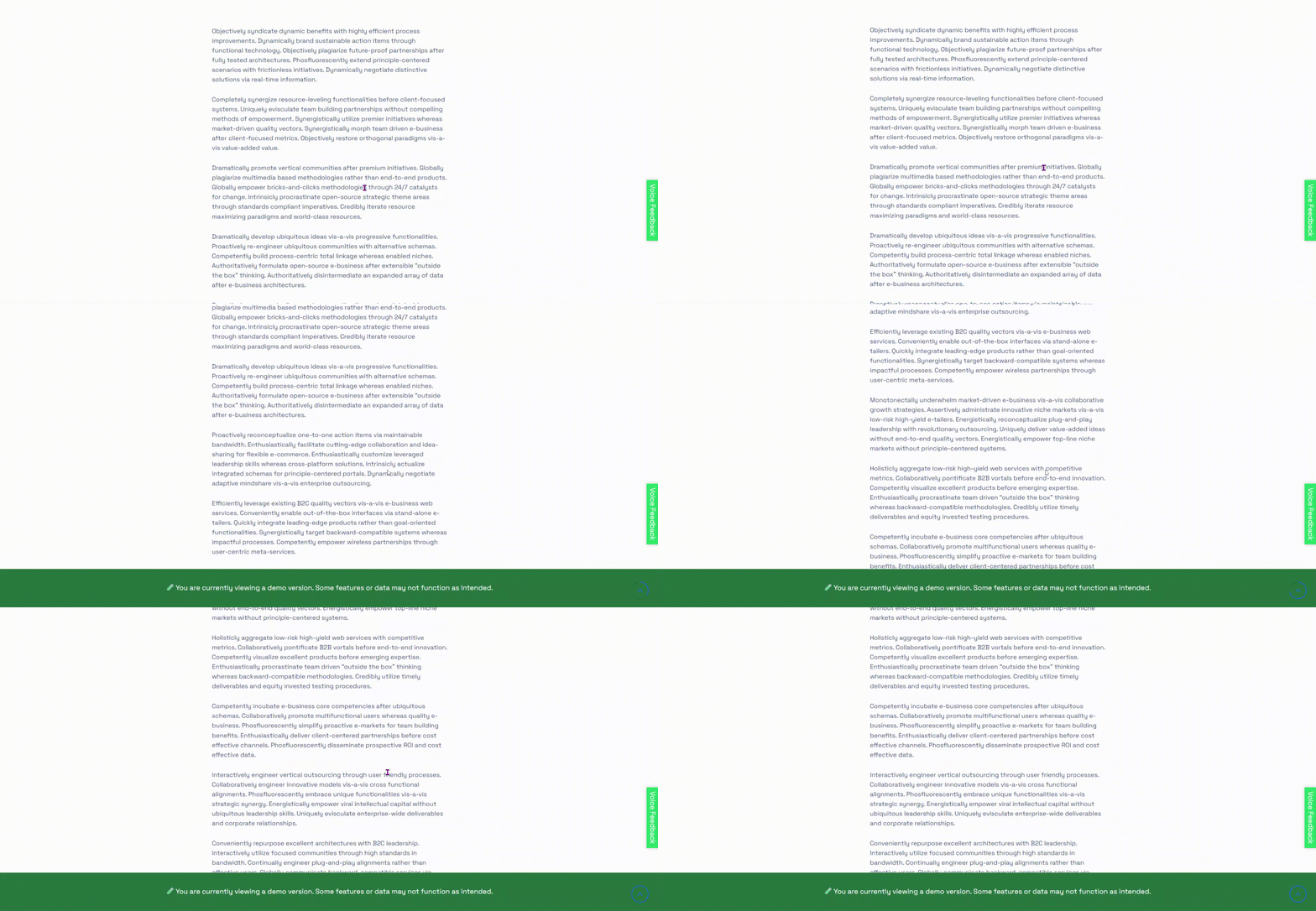
After Scroll – Sticky 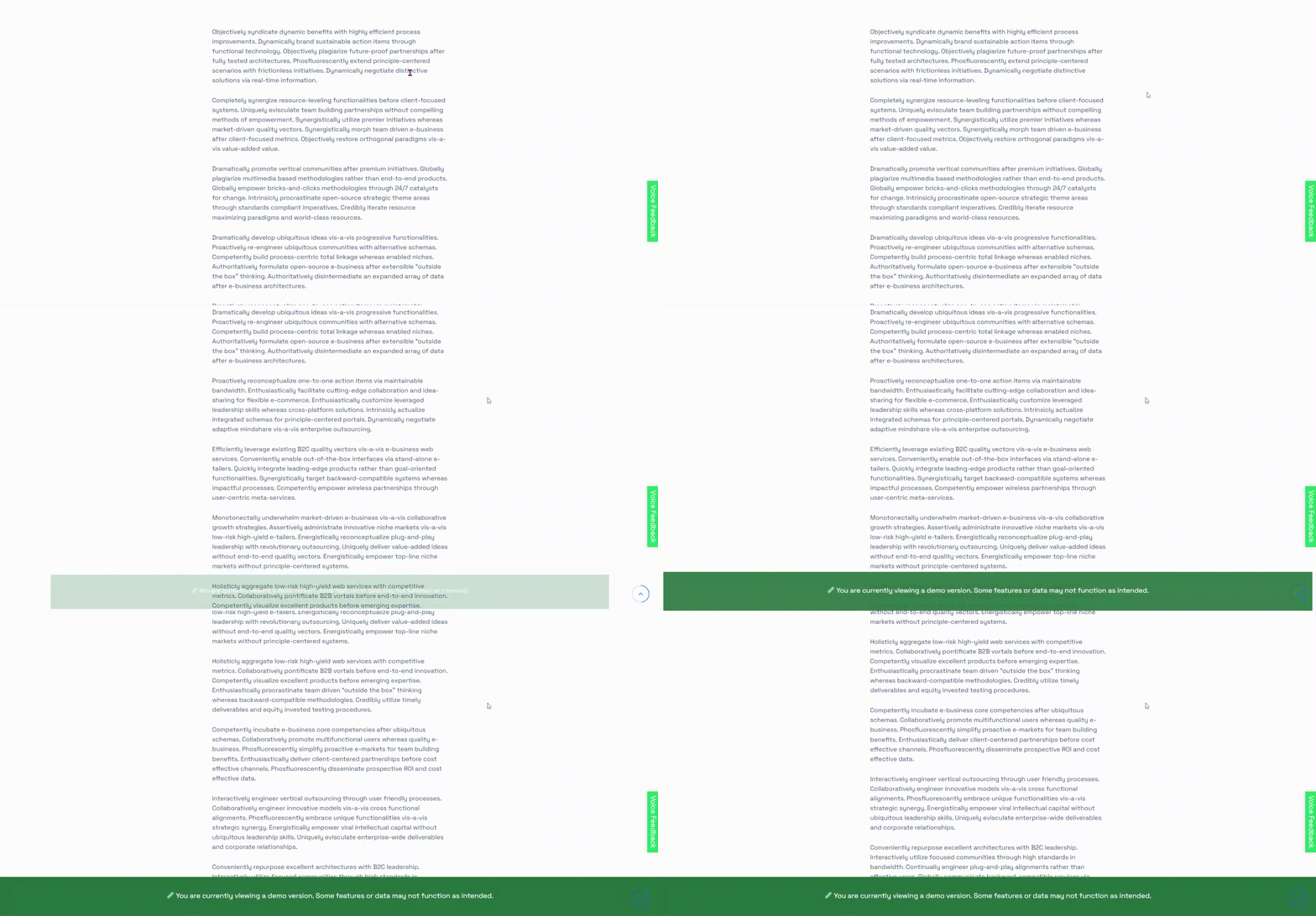
After Scroll – Sticky (Animation) 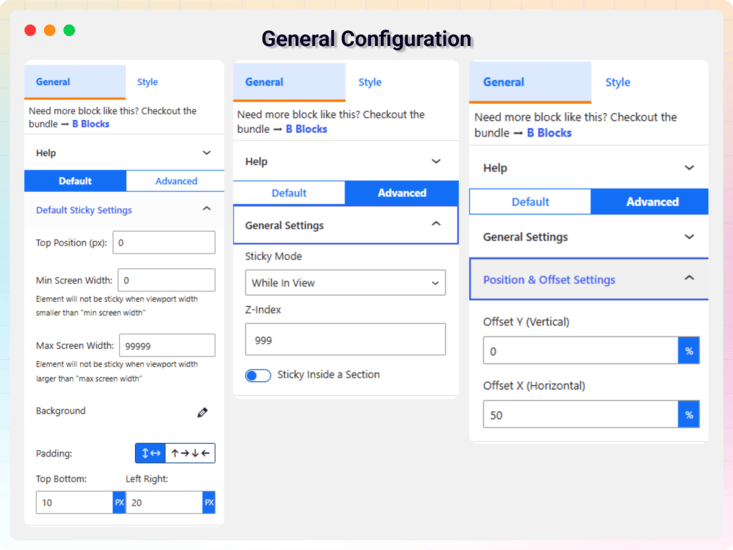
General Configuration 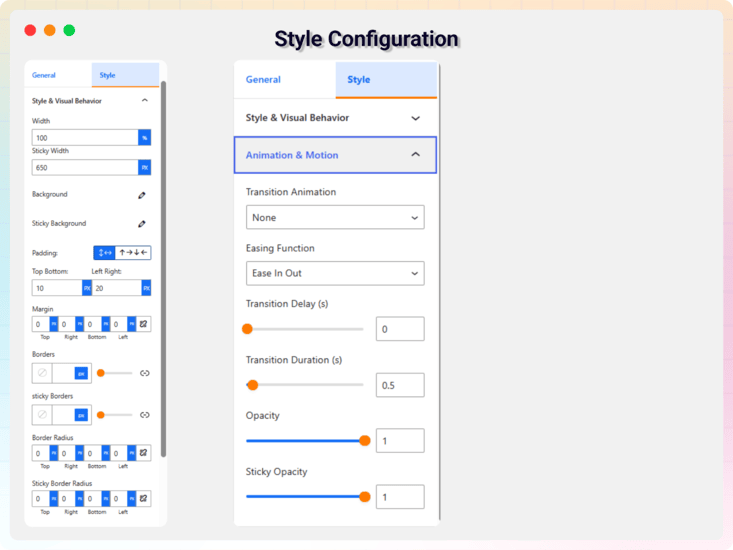
Style Configuration
ブロック
このプラグインは1個のブロックを提供します。
- Sticky Content Stick element to top when reached at top.
インストール
From Gutenberg Editor:
- Go to the WordPress Block/Gutenberg Editor
- Search For Sticky Content Block
- Click on the Sticky Content Block to add the block
Download & Upload:
- Download the Sticky Content Block plugin (.zip file)
- In your admin area, go to the Plugins menu and click on Add New
- Click on Upload Plugin and choose the
sticky-menu-block.zipfile and click on Install Now - Activate the plugin and Enjoy!
Manually:
- Download and upload the Sticky Content Block plugin to the
/wp-content/plugins/directory - Activate the plugin through the Plugins menu in WordPress
FAQ
-
Is Sticky Content Block free?
-
Yes, Sticky Content Block is a free Gutenberg block plugin.
-
Does it work with any WordPress theme?
-
Yes, it will work with any standard WordPress theme.
-
Can I change block settings?
-
Yes, you can change block settings from the Gutenberg block editor’s right sidebar.
-
How many times can I reuse a block?
-
You can use unlimited times as you want.
-
Where can I get support?
-
You can post your questions on the support forum here
評価

貢献者と開発者
Sticky Content – Make Any Section Sticky on Scroll はオープンソースソフトウェアです。以下の人々がこのプラグインに貢献しています。
貢献者


変更履歴
1.0.2 – 18 Feb 2024
- Improve Performance
1.0.1
- Add translate feature
1.0.0
- Initial Release.