

説明
To Top プラグインは、ページをスクロールしたときに右下(デフォルト)にフローティングのスクロールアップボックスを追加し、クリックするとスムーズにトップにロールアップします
これは、長いページで訪問者が簡単にトップに戻れるようにしたい場合に便利です
ページや記事に大量のコンテンツがある場合、訪問者はそれらのコンテンツを読むために下にスクロールする必要があります
下にスクロールすると、すべてのナビゲーションリンクが上に上がります。訪問者が読み終わったら、あなたのサイトに何があるのかを見るために上にスクロールする必要があります。これは非常に面倒なことです
To Top プラグインは、スクロールアップボタンを追加することで、訪問者を数ミリ秒のうちに素早くページの上に移動させます
また、移行はスムーズで、ユーザーエクスペリエンスを向上させます
このプラグインの他の素晴らしい点は、あなたのテンプレートの単一のコードに触れる必要はありません。
機能について
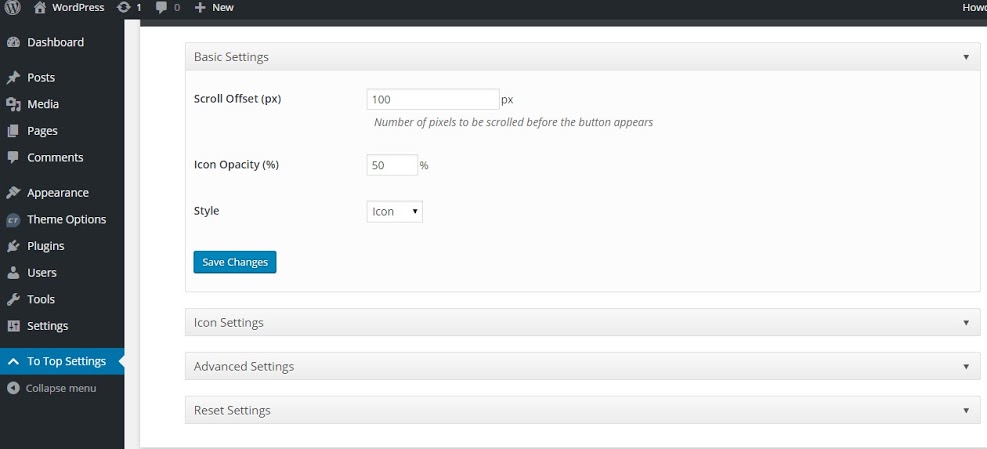
- ユーザーがページをスクロールしたときにアイコンを表示する
- カスタマイズでライブプレビュー
- アニメーションでページをトップに戻す
- アイコンの透過度を設定
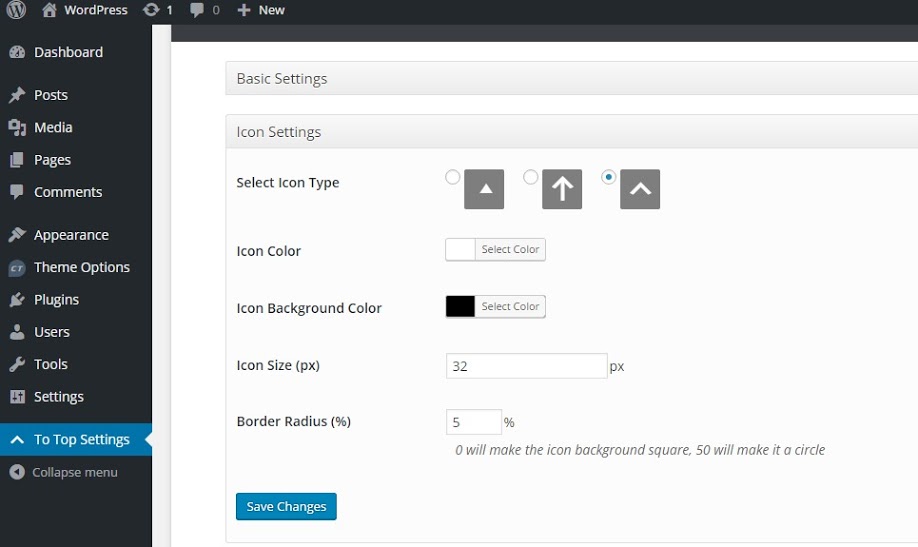
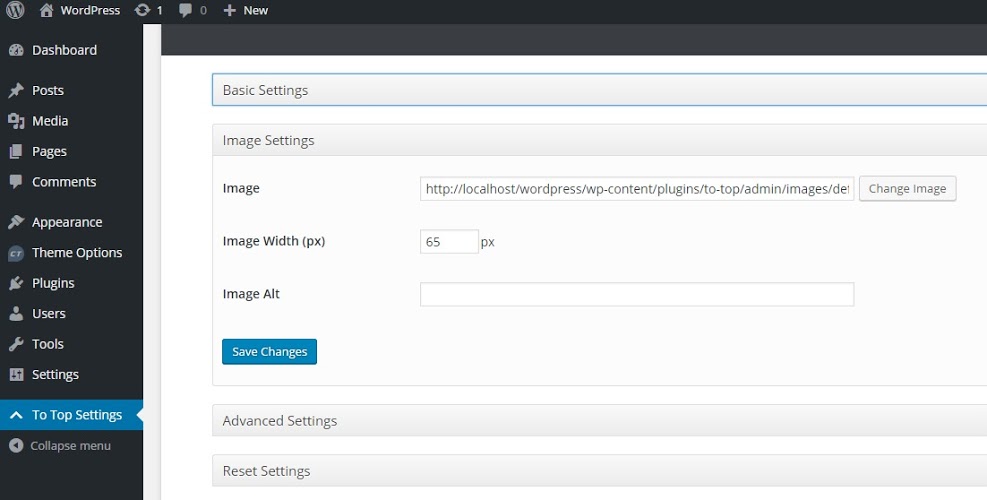
- トップボタンにアイコン(ダッシュアイコン)や画像を設定
- アイコンには、背景色、アイコンの色、アイコンのサイズ、アイコンの形(四角から丸まで)を設定
- 好きな画像を設定
- 画像幅の設定
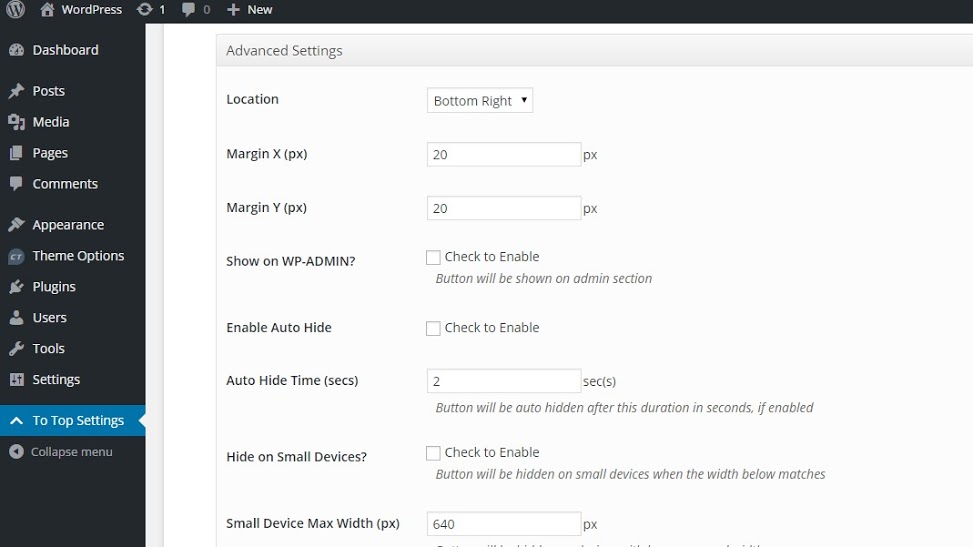
- アイコンの場所を設定
- 管理ページで To Top ボタンを表示/非表示
- 自動的に非表示
- スモール端末で非表示にします
プレミアムサポート
Catch プラグインチームは、WordPress.org フォーラムで To Top プラグインのサポートを提供していません
サポートは To Top Support Forum で行っています
訳文
To Top プラグインを翻訳する準備ができました
スクリーンショット
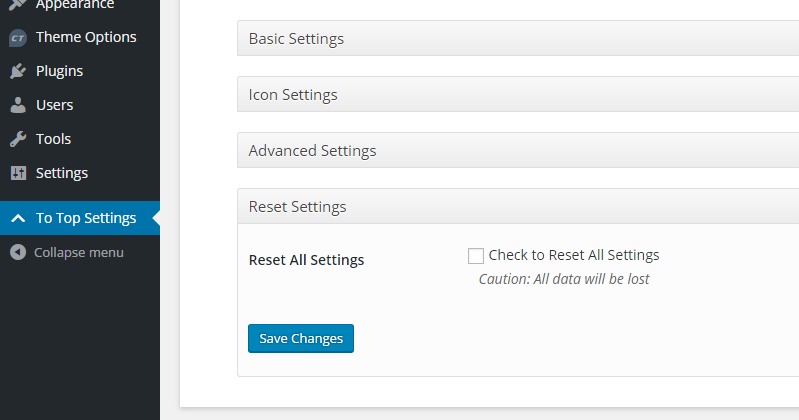
インストール
To Top プラグインは、WordPress に組み込まれたプラグインインストーラーを使ってダウンロードし、インストールすることができます 手動でダウンロードした場合は、「 /wp-content/plugins/to-top/ 」にアップロードされていることを確認してください
「プラグイン」管理画面から「有効化」リンクを使い To Top プラグインを有効化してください
To Topはダッシュボードに表示され、必要に応じてボタンを有効または無効にすることができます
評価


貢献者と開発者
To Top はオープンソースソフトウェアです。以下の人々がこのプラグインに貢献しています。
貢献者


変更履歴
3.2 (Released: May 27, 2026)
- Security: Admin settings input is now properly validated and sanitized before saving
- Security: Plugin links in the admin area are now correctly escaped to prevent potential output issues
- Bug Fixed: Plugin scripts and styles now load with the correct version number, ensuring browsers always fetch the latest files after an update
- Bug Fixed: The To Top button script now loads in the page footer for improved page load performance
- Bug Fixed: Admin settings output now correctly escaped, preventing any unintended display issues
- Bug Fixed: Removed leftover debug code that could have caused unexpected output in some environments
- Improved: Added direct file access protection to additional plugin files
- Improved: Translation loading updated to use WordPress’s built-in automatic system
- Compatibility check up to WordPress 7.0
3.1 (Released: March 16, 2026)
- Bug Fixed: Remove var_dump code
3.0 (Released: March 11, 2026)
- Bug Fixed: WordPress.Security.EscapeOutput.OutputNotEscaped
- Bug Fixed: missing_direct_file_access_protection
- Bug Fixed: WordPress.WP.I18n.MissingArgDomain
- Bug Fixed: outdated_tested_upto_header
- Compatibility check up to version 6.9
2.5.5 (Released: May 13, 2025)
- Compatibility check up to version 6.8
2.5.4 (Released: April 09, 2024)
- Compatibility check up to version 6.5
2.5.3 (Released: November 15, 2023)
- Compatibility check up to version 6.4
2.5.2 (Released: December 14, 2022)
- Compatibility check up to version 6.1
2.5.1 (Released: September 20, 2022)
- Update: Depreciated JS code
2.5 (Released: June 16, 2022)
- Compatibility check up to version 6.0
2.4 (Released: February 24, 2022)
- Compatibility check up to version 5.9
2.3 (Released: September 18, 2021)
- Bug Fixed: Security issue on ajax calls
2.2.2 (Released: August 05, 2021)
- Added: aria-hidden attribute (Requested by flberger)
- Added: async attribute to script tag (Requested by llubder)
- Compatibility check up to version 5.8
2.2.1 (Released: March 07, 2021)
- Compatibility check up to version 5.7
2.2 (Released: Aug 19, 2020)
- Bug Fixed: Issue in add new theme page (Reported by: derek13)
2.1 (Released: March 17, 2020)
- Compatibility check up to version 5.4
2.0 (Released: November 12, 2019)
- Compatibility check up to version 5.3
1.9 (Released: August 20, 2019)
- Added: Option to turn off Catch Themes and Catch Plugin tabs
- Compatibility check up to version 5.2
- Updated: Catch Themes and Catch Plugins tabs displaying code
1.8.1 (Released: February 21, 2019)
- Added: French language translation by Hubert
1.8 (Released: February 21, 2019)
- Compatibility check up to Version 5.1
1.7 (Released: December 12, 2018)
- Added: Catch Themes and Catch Plugins tabs in Add themes and Add plugins page respectively
- Added: Themes by Catch Themes section under Themes panel in customizer
- Compatibility check up to Version 5.0
1.6 (Released: May 07, 2018)
- Compatibility check up to version 4.9.5
- Update: Moved domain from catchthemes.com to catchplugins.com
1.5.6
- div を span に変更 (報告者: jacktester)
1.5.5
- バグフィックス : 翻訳の問題で、 to-top-admin-display.php ファイルの top-up テキストドメインを to-top に置き換える (Reported By: Guillaume Blet)
1.5.4
- バージョン 4.9 までの互換性確認
1.5.3
- バージョン 4.8 までの互換性確認
1.5.2
- バグフィックス:カスタマイザーでの「margin_x」のデフォルト値を表示 ( Reported By: sherrif02 )
- バグフィックス : CSSの状態をチェック( Reported By: sherrif02 )
- アップデート : 画像リンクのプロトコルレス化 (Reported By: pianoworld)
1.5.1
- バグフィックス:array_mergeに関する PHP バージョンの修正
1.5
- バグフィックス:スクロールせずにホバーで表示する問題の修正
1.4
- バージョン 4.7 までの互換性確認
1.3
- バージョン 4.6 までの互換性確認
1.2
- 変更 : http を https へ変更します
- バグフィックス : サニタイズコールバックは、変更された値のみを保存し、その他の値はNULLにします
1.1
- Geonericonsのサポート追加
- Font Awesomeのサポート追加
1.0
- 最初のリリース